Stories Practical guide
Part of BoomerOS for TV
My mom dropped Dish for TVB and will save almost $1,000
She only watches five channels. Dish Network was charging her about $100 a month. TVB Anywhere Plus costs $30 a month, or $250 a year on the yearly plan (October 2026).
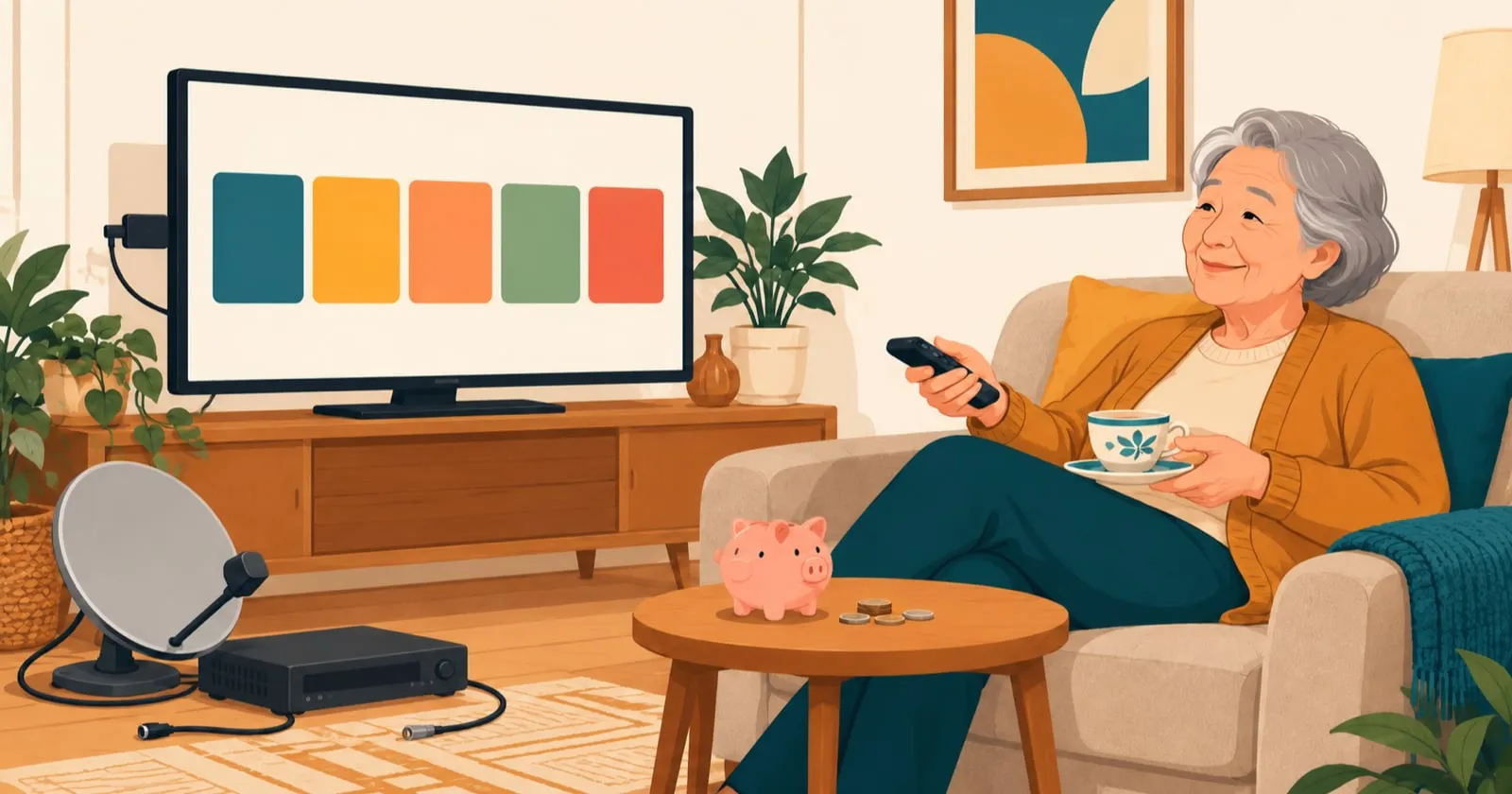
She only watches five channels. Dish Network was charging her about $100 a month (around $1,200 a year). TVB Anywhere Plus costs $30 a month, or about $250 a year if you buy the yearly plan (October 2026 prices). She's been using it for weeks, and once she's on the yearly plan, she'll save almost $1,000 a year.
The setup problem
My mom watches TVB - that's a Hong Kong broadcast network with shows and channels she's grown up with. TVB Anywhere Plus is the streaming service that carries it. That's all she watches, plus a few YouTube channels for fitness videos. My aunt and uncle convinced her to get Dish Network because they use it, but they also watch basketball, sports, news - all kinds of things that justify the cost.
For my mom, it was just channel waste. She was paying for hundreds of channels, hundreds of remotes' worth of complexity, hundreds of menus she'd never look at. All for five channels she actually watches.
I'd suggested TVB Anywhere Plus before, but it wasn't real until I actually set it up for her. Once it was in her hands, she got it. Now she just wants to use it like a normal, easy channel. No more Dish. Her two-year Dish contract was already up, so she could leave without a penalty.
What TVB Anywhere Plus is
It streams TVB channels live, with subtitles if you want them. She's on the monthly plan while I test everything. Once it's all running smoothly, I'll buy her the yearly plan.
About $950 saved per year on the yearly plan (about $840 on the monthly plan)
TVB Anywhere Plus works on a Roku. It works on phones. It works on computers. It works on smart TVs. One subscription covers all of it: both her TVs, plus her iPad and iPhone.
For my mom, a Roku was the simplest option. You install the TVBAnywhere+ North America app from the Roku's app store and open it. One remote to control the TV, one button to open TVB. It cost about $40-50 in October 2026, which paid for itself in less than a month.
The custom setup
The Roku stick is for her room. The custom setup is to build an app where she can easily watch all the channels.
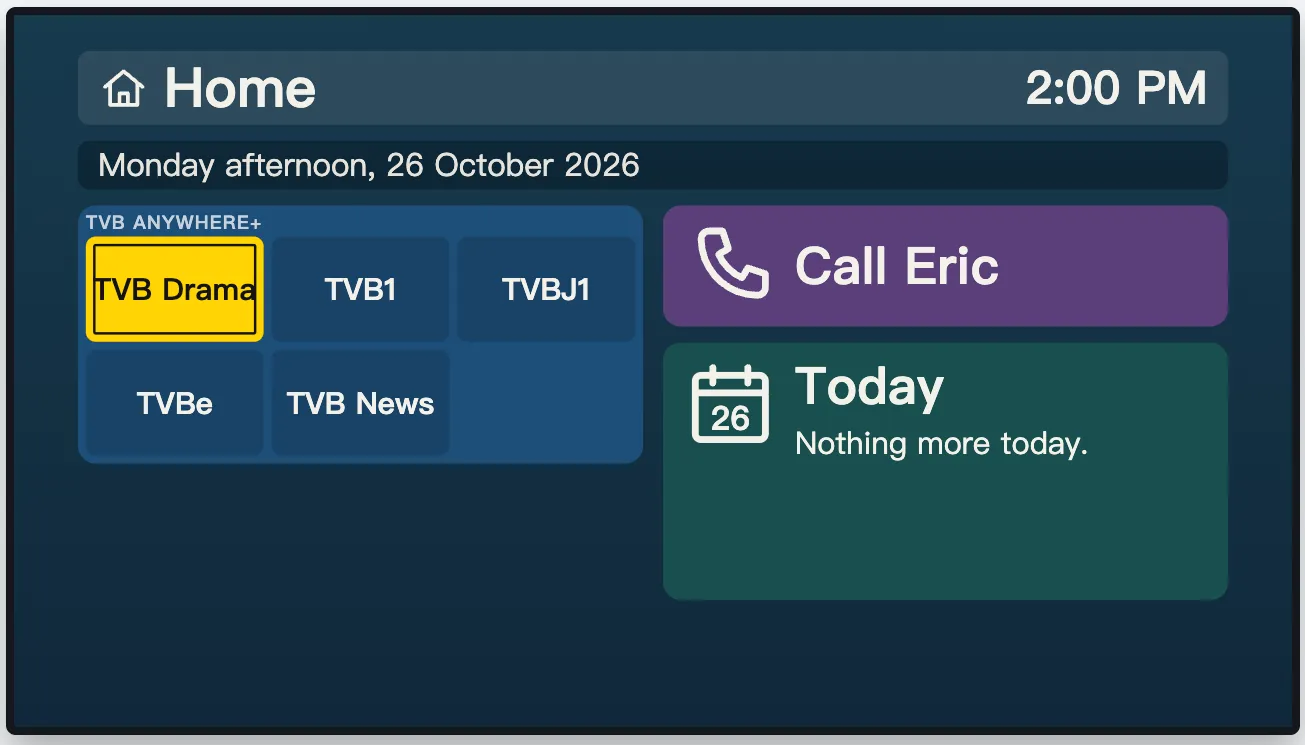
I eventually plan to add YouTube videos that she may want to watch, like yoga classes. YouTube itself is too hard for her to navigate.
It also has other features, like a calendar and a button to call me and do a video call (here's how that works).
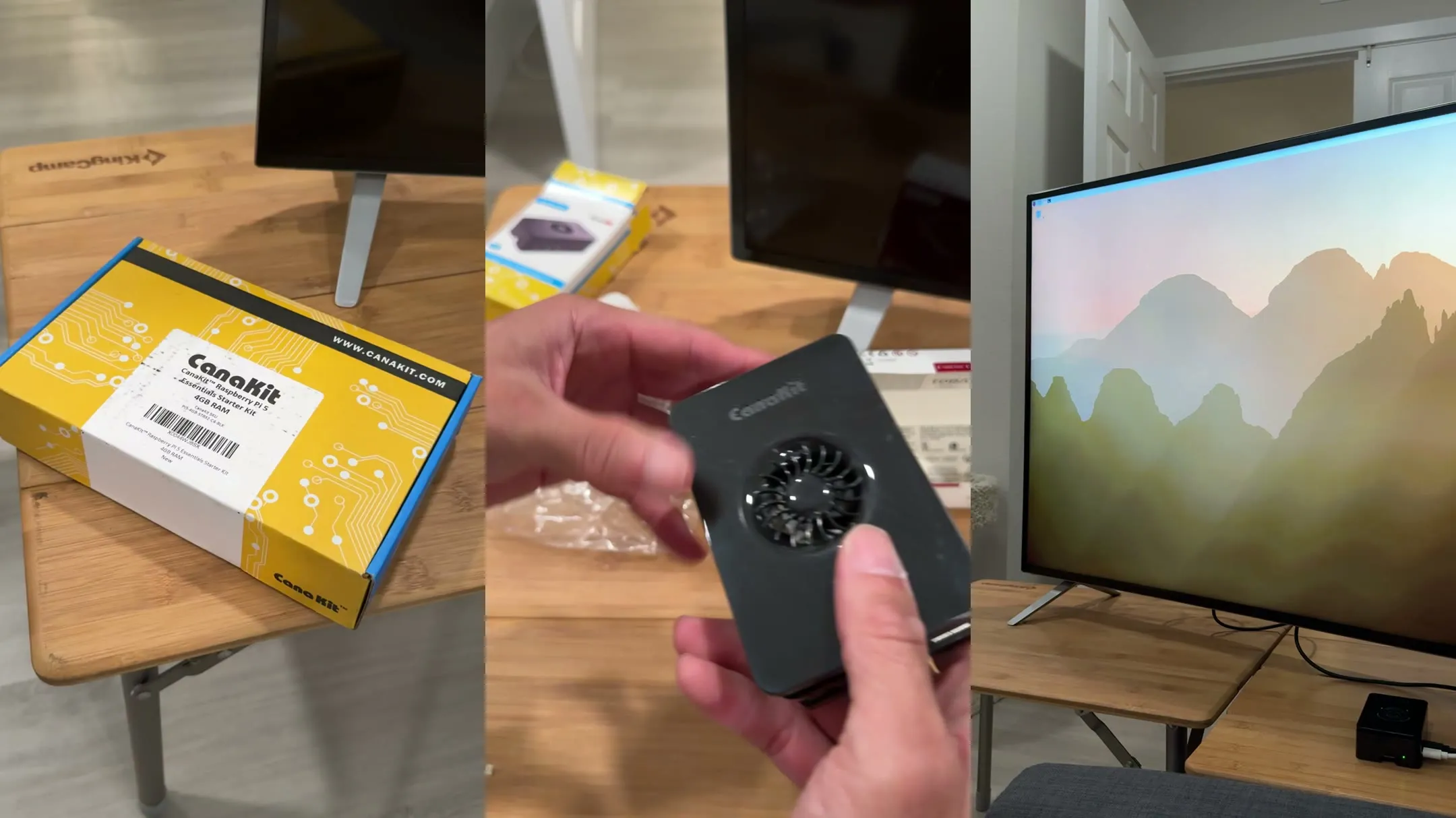
We have the standard Roku setup for her room and the custom setup for the large TV outside. The custom setup runs on a Raspberry Pi, a small computer that plugs into the TV. Ben wrote about setting up the Pi for his dad.
The problem I solved this week
My mom's big TV went black a few days ago. She called me. I didn't know what was wrong at first, so she showed me the screen. It said she wasn't signed into TVB.
Here's where it got cool. I signed into her TVB account from my computer. From my place 20 miles away, I controlled her TV's browser and fixed the sign-in. Then I closed it up, and her TV went back to showing the channels.
TVB had signed her out because of a timeout. So I wrote some code that signs her back in automatically, and it hasn't been a problem since.
Then on 26 October, the TV showed a message saying it couldn't connect to the server. I ran some tests and applied a few patches remotely. This time she had to unplug the power to restart it for me, but I added fixes so she won't have to do that in the future. That's normal while we're still getting it up and running.
I didn't have to drive over there. Other than unplugging it that one time, I didn't have to ask her to do anything technical, and with the patches in, she won't have to do that again. I just fixed it, and she was back to watching.
That's what a web interface gets you. I can see what's happening on her TV. I can control it when she needs help. She gets her channels back.
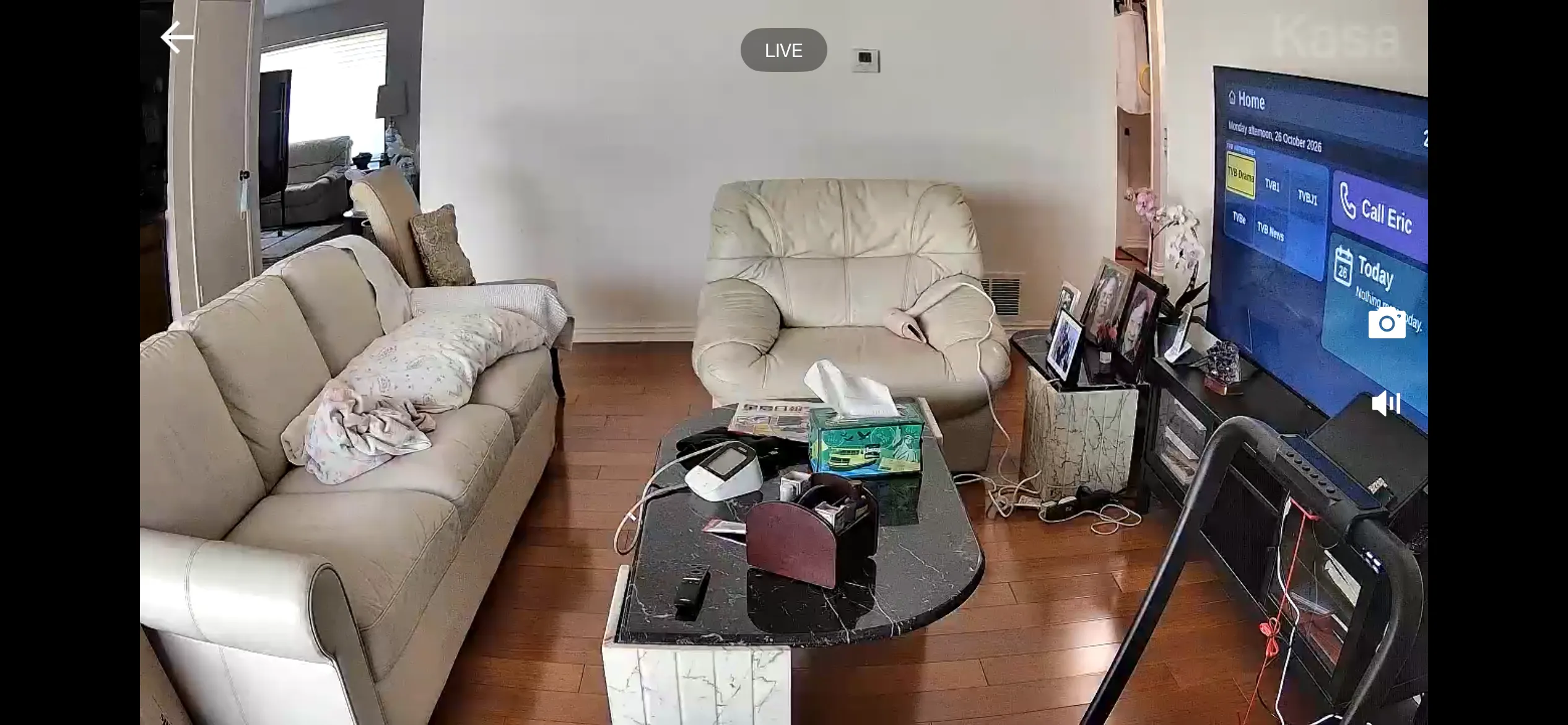
We also host the system on a server we control, so I can make changes to her interface and channels and run updates and fixes remotely.
How it actually works
She picks a channel with one press. The channel is on. No lag. No menus. No "are you still watching?" popup. The video quality is exactly the same as Dish - indistinguishable. If her internet is solid, her picture is solid.
If something goes wrong, she calls or texts me. I can see what channel she's on, what she clicked, where she got stuck. Then I fix it or walk her through it.
What about downsides?
There are a few things to know upfront:
Internet is required. TVB is a streaming service, so it needs reliable broadband. My mom has had solid internet for years (100 Mbps), so this isn't an issue. But if your parent's internet is spotty or unreliable, this won't work for them.
No recording or DVR. You can't record shows with TVB. My mom never used the Dish DVR once in all her years, so this doesn't matter for her. But if your parent loves recording shows, TVB isn't the answer.
You'll need to help sometimes. My mom calls or texts me when something goes wrong. I can fix it remotely, but not everyone wants to troubleshoot tech. If your parent is completely tech-averse and you're not available to help, streaming might be frustrating for them.
How it's built (optional custom setup)
For the curious, here's how my custom setup differs from just using a standard Roku:
| Aspect | Standard Setup | My Custom Setup |
|---|---|---|
| Hardware | Roku Streaming Stick ($40-50) | Raspberry Pi 5 plugged into the TV |
| Installation | Install the TVBAnywhere+ North America app from the Roku's app store. Sign in. Use remote. Done. | The Pi opens our TV app full screen. Her TVB channels show as big buttons on the home screen. |
| Remote control | Physical Roku remote only | Her regular TV remote works through the TV's HDMI connection. I also have a web remote on my phone that shows what's on her TV and can change it. |
| Video streaming | TVB Anywhere Plus streams directly | TVB Anywhere Plus streams directly (my setup just opens the channel) |
| Maintenance | TVB app handles everything | The app runs on a server we control, so I can fix problems, keep her signed in to TVB and add features (calling, calendar, YouTube) without hardware changes |
| Why choose it | Simplest option. Just works out of the box. | Experiment with remote control + future features. Foundation for expanding functionality. |
The numbers that matter
| Item | Cost |
|---|---|
| Dish Network (1 year, about $100 a month) | $1,200 |
| TVB Anywhere Plus monthly (1 year, $30 a month) | $360 |
| TVB Anywhere Plus yearly | ~$250 |
| Roku (one-time) | $40-50 |
| Saved per year (monthly plan) | About $840 |
| Saved per year (yearly plan) | About $950 |
Prices as of October 2026.
My mom watches the same five channels. She gets the same shows. But now she's saving hundreds of dollars a year, and the interface is simpler, not harder.
Even better: if you pay for TVB yearly upfront, it's only around $250, about $110 less than paying monthly.
How to actually do this
Step 1: Ask what they actually watch. Sit down and ask: what are your five favorite channels? Write them down. Don't guess. My mom watches five TVB channels, and that's mostly it. Your parent might watch news, sports, cooking, language channels - it varies.
Step 2: Find the right service. Google "watch [channel name]" and see what streaming services carry it. In October 2026, TVB costs $30/month. YouTube TV costs $82.99/month (but has everything). Philo is $25/month (HGTV, Hallmark, Food Network). There's usually something cheaper than $100+/month cable.
Step 3: Get a Roku. Don't overthink it. A basic Roku Streaming Stick is $40-50. Plug it in, sign in, install the app. That's it.
Step 4: Teach them one button. Show them how to open the app. That's the only button they need to learn. Let them practice once, then leave them alone.
Step 5: Be available for tech support. When something breaks, you'll get a call. You can often fix it remotely (like I did with my mom's sign-in). Have a plan for that.
It's not glamorous. But for families trying to reduce a cable bill, it works.
Simple tech. Real savings. A mom who knows exactly which button to press.
The custom setup is part of BoomerOS for TV.