BoomerOS for TV: a simpler TV for seniors
A simple home screen for older parents on the TV they already have: watch shows, call family and see the day ahead, run by a small Raspberry Pi computer.
Status: BuildingBy Eric & Ben · Last updated
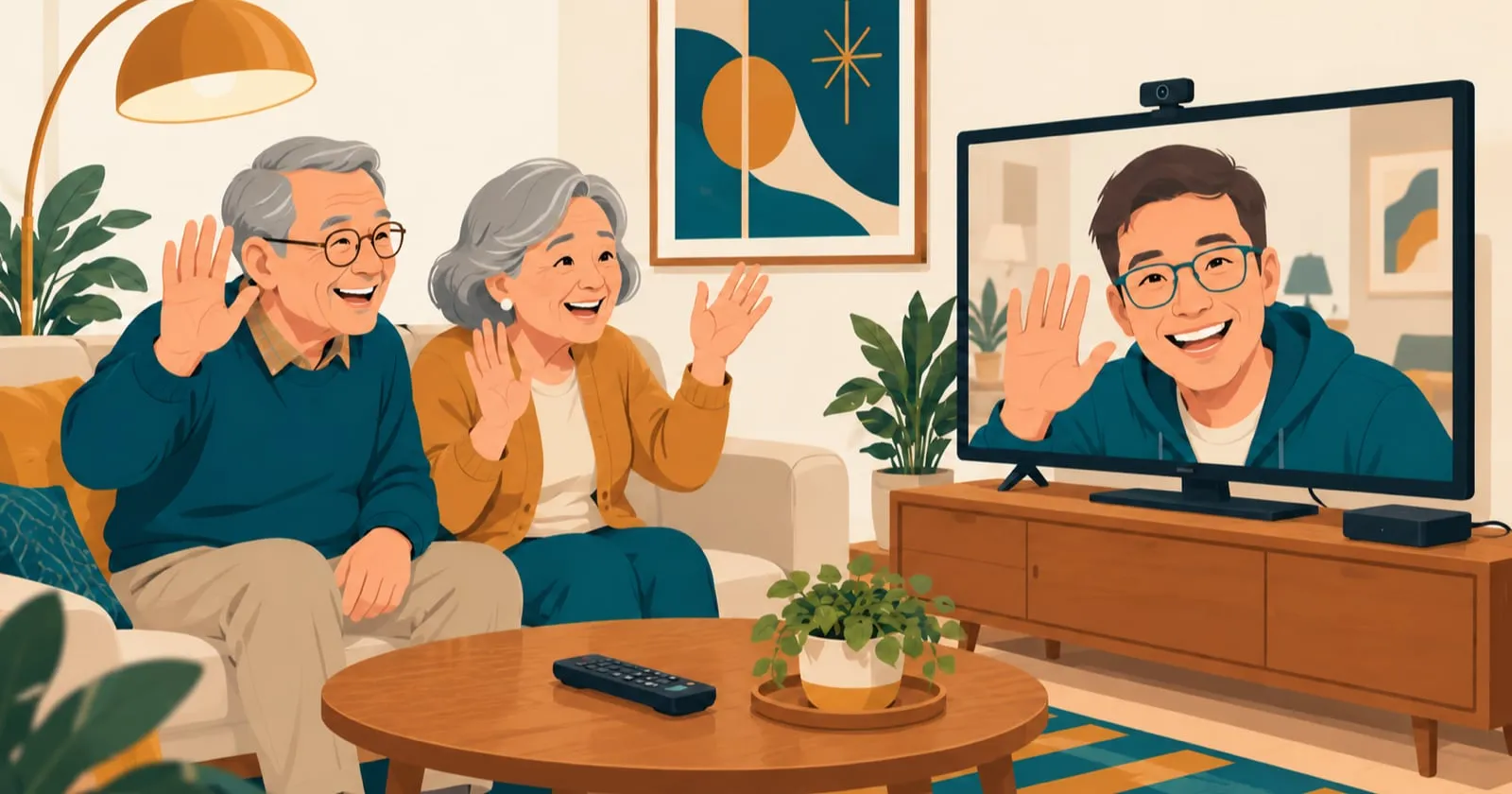
BoomerOS for TV (short for Boomer Operating System for TV) is a simple operating system for the TV: one home screen, made for older people who find today's technology hard to use. It's meant to let them use their TV without being overwhelmed, and to stay close to the people they love. Technology can leave people isolated. A video call, a quick check-in or a message to family should be as easy as changing the channel. What we want: a parent sits down, picks up the remote and gets to the show they want, or the person they want to talk to, without having to ask anyone.
We're building the foundation first and documenting the process along the way. To see our progress, follow along wherever you already are online, or bookmark this page. If you've built something for your own family, or have an idea for ours, the Follow us page also tells you how to write to us.
The TV got harder just as it mattered more
Older people watch a lot of TV. In 2025, Americans 75 and over watched about four and a half hours a day, more than twice as long as people aged 25 to 34.1 Many of our parents find an iPad or an iPhone more confusing than the TV, so the TV is where they turn. But the TV isn't what it was when they first sat down in front of one.
What's changed about the TV:
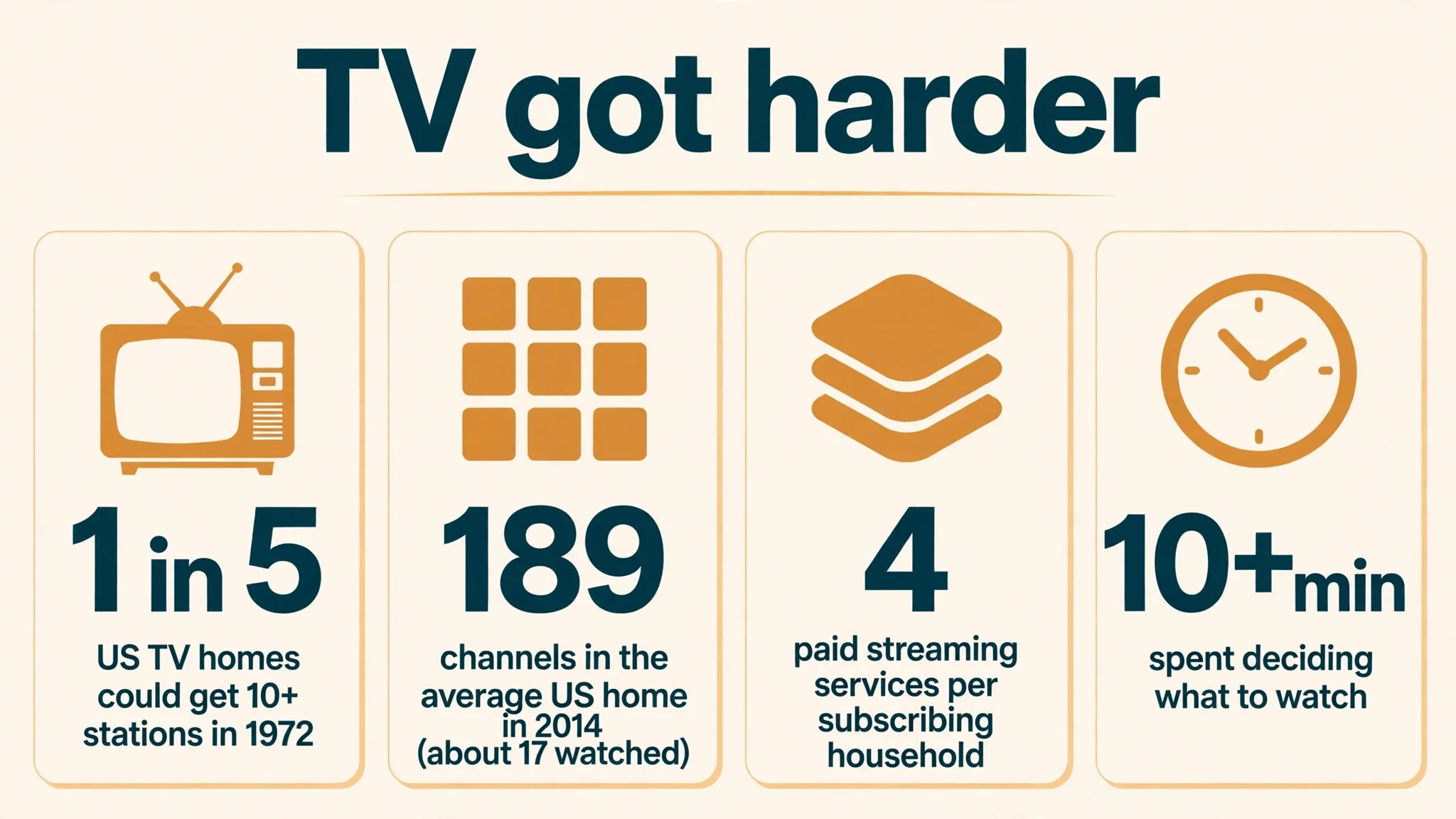
- More channels. In 1972, only one American TV home in five could pick up ten or more stations.2 By 2014, the average home received 189 channels, and people watched about 17 of them.3
- More services. A household that pays for streaming now has four services on average,4 and viewers spend more than ten minutes just deciding what to watch.5
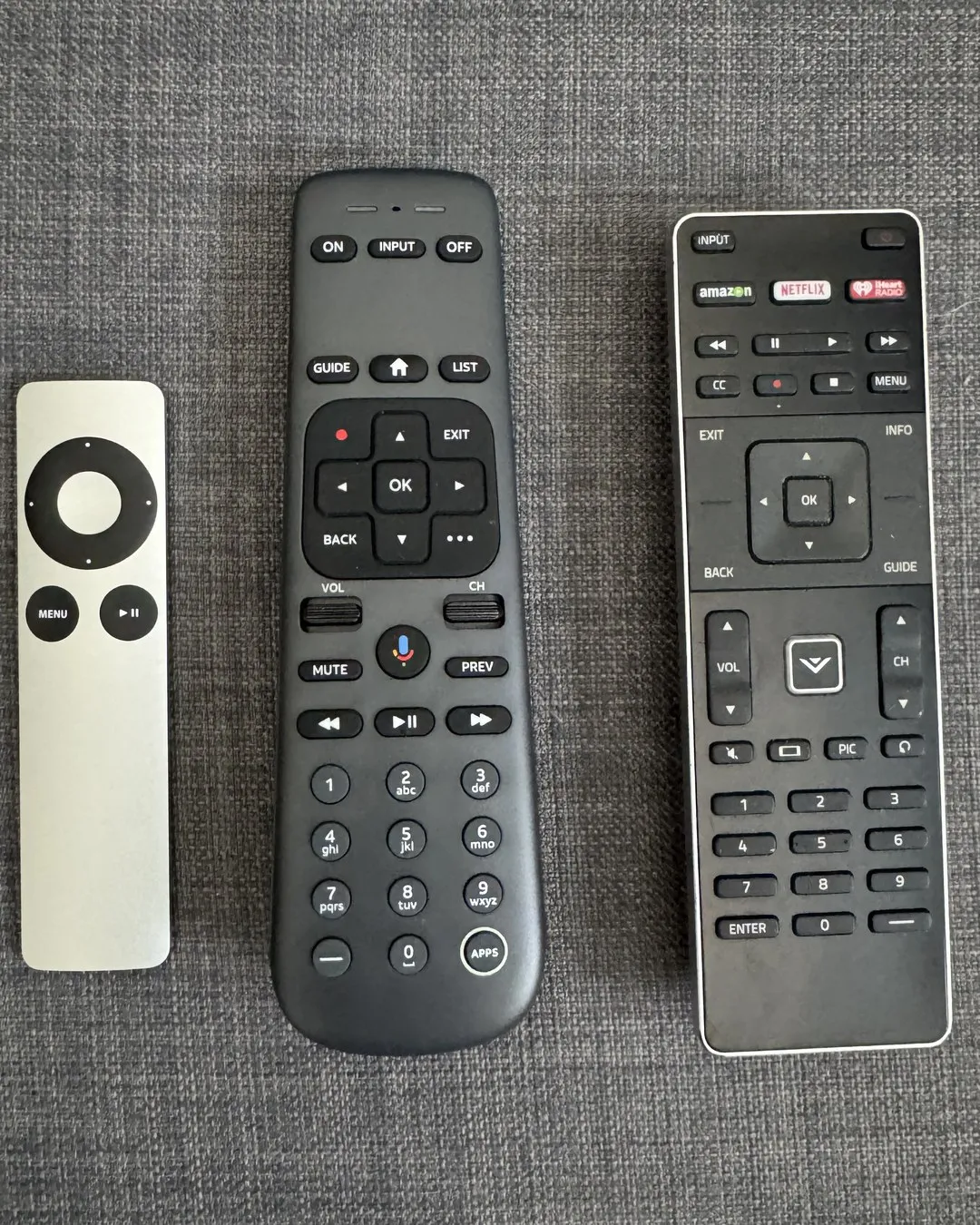
- More remotes. One for the TV, another for the streaming box, another for the sound bar, sometimes one more for a cable or satellite box. Each one means remembering what it does and which input the TV needs to be on.
What's changed for our parents:
- Eyes. Almost everyone loses some close-up focus after about 45, which is why small print, including the labels on a remote, ends up held at arm's length.6 In 2025, about one in four Americans 75 and over said they had some trouble seeing, even with glasses on.7
- Hands. About half of Americans 75 and over have been told they have arthritis,7 which makes small buttons harder to press.
- Help. In a 2016 survey, almost half of Americans 65 and over said they usually need someone to set up a new device or show them how to use it.8
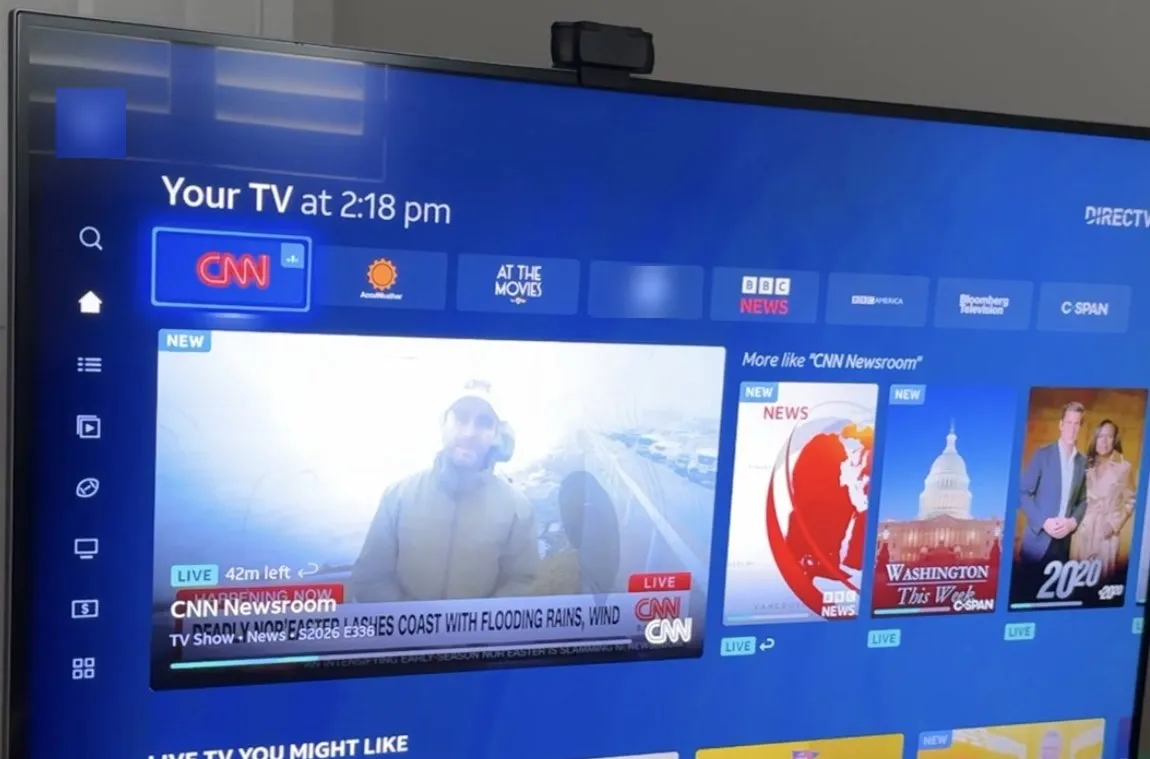
Put the two lists side by side. More remotes, inputs, channels and services is a lot for anyone to keep in their head. For someone whose memory isn't what it was, or whose eyes and hands have slowed down, every extra choice makes it harder.
Most of us get past a confusing screen by searching for the answer or asking an AI, and a lot of technology quietly assumes everyone can. Three in five Americans over 50 say technology isn't designed with their age in mind.9
The TV is still the right place to start. It's the screen our parents already turn to, and the one change that has helped them is size: in 2024, three in four American homes watched mostly on a screen of 40 inches or more,10 and the average new TV is 54 inches.11 It sits across the room, where close-up focus doesn't matter, and it has room for a few big words instead of a screen full of small ones.
Watching, calling and the day's plan, in one place
On that big screen, BoomerOS for TV is meant to do four things:
- Make watching easy. Get to what they want without switching inputs or remembering channel numbers.
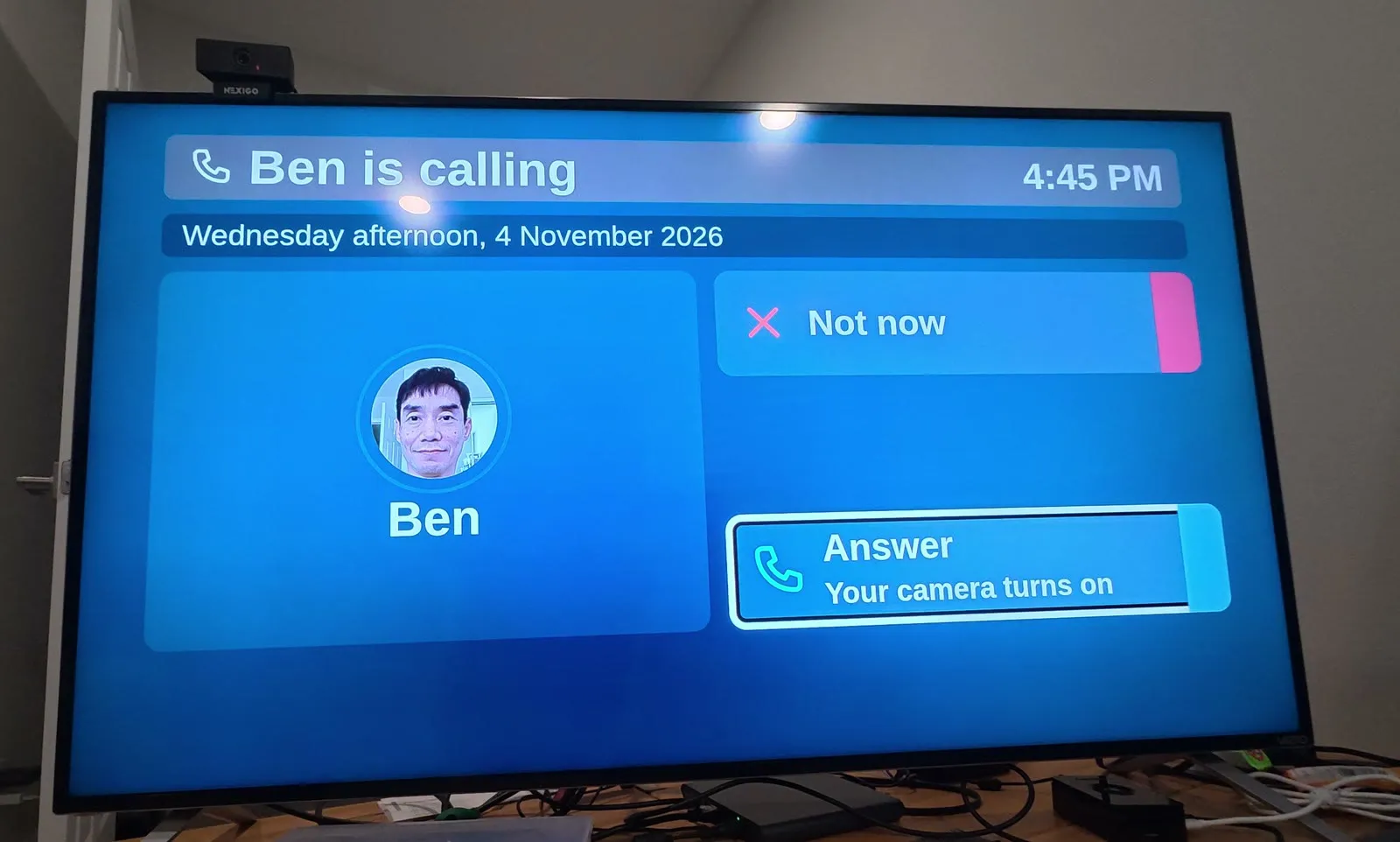
- Keep family close. A video call, a quick check-in or a message from the couch, without having to start FaceTime on an iPhone.
- Help from anywhere. A remote that runs on a phone, so anyone with an internet connection, whether a caregiver, the parent or family in another city, can change the channel for them without being in the room.
- Lighten the load on caregivers. The day's plan, appointments and medication reminders are meant to sit on the screen the whole household already looks at. About 63 million Americans, one in four adults, are family caregivers.12
A small computer does the thinking, and the rest can plug in
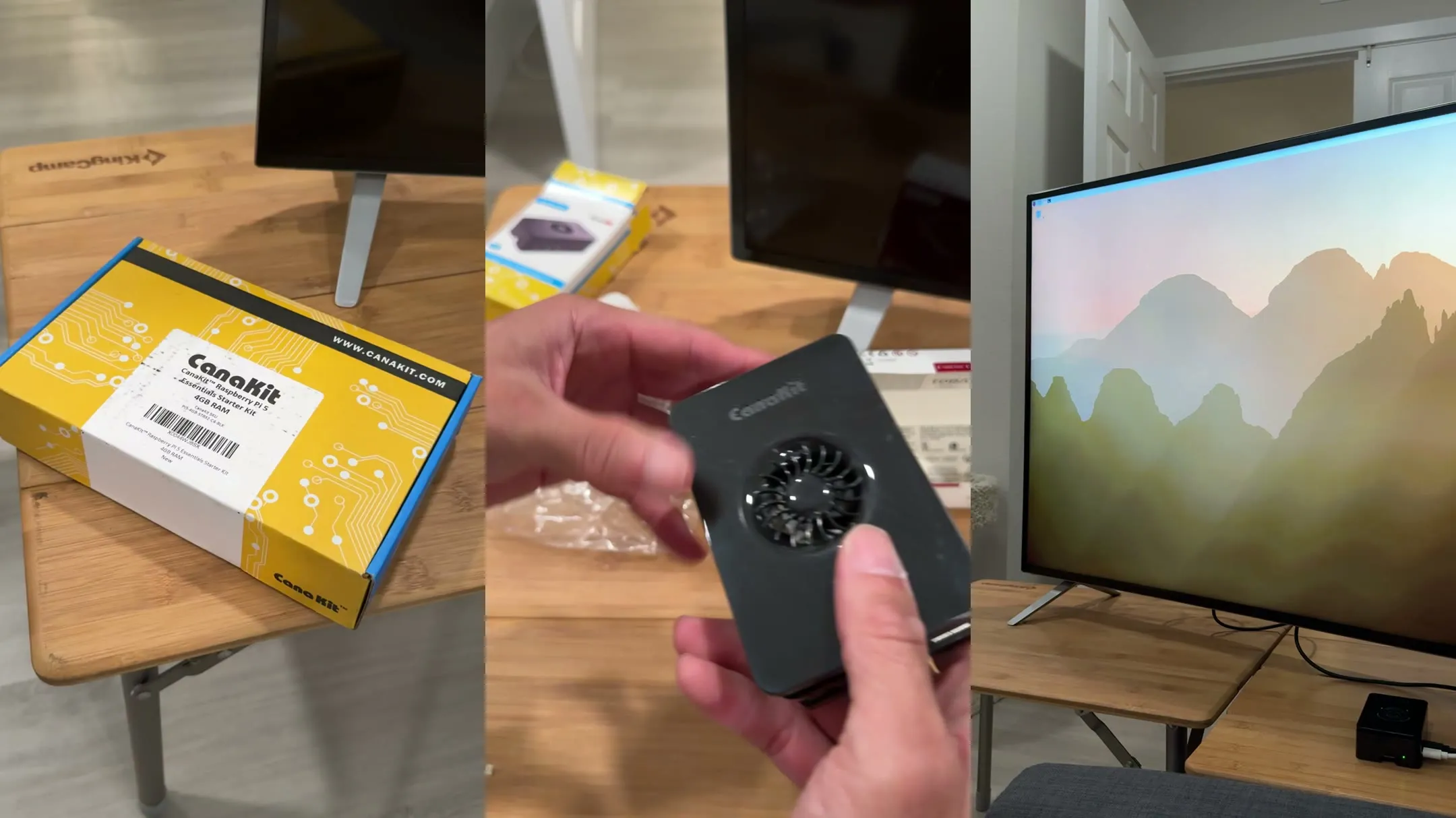
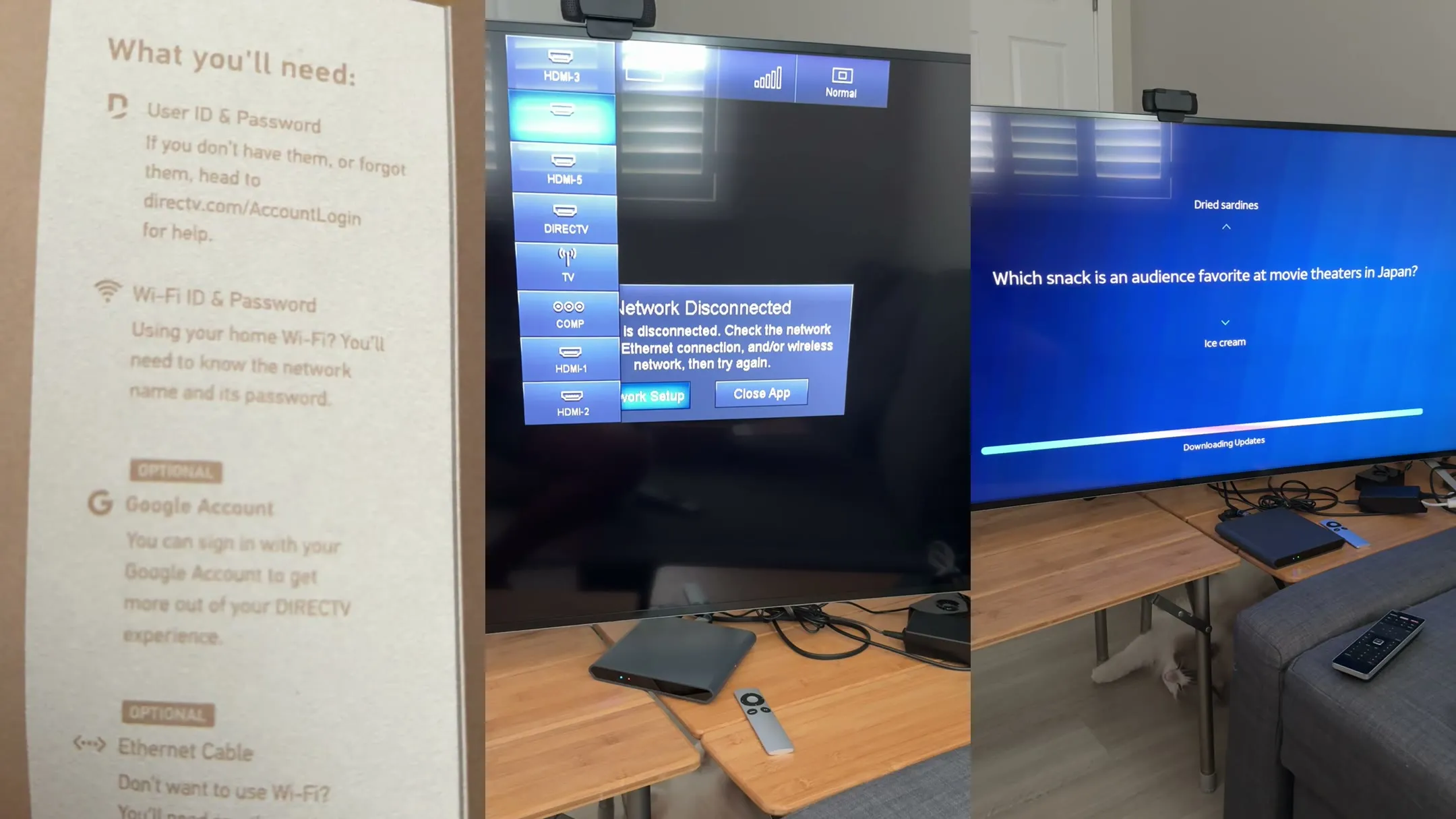
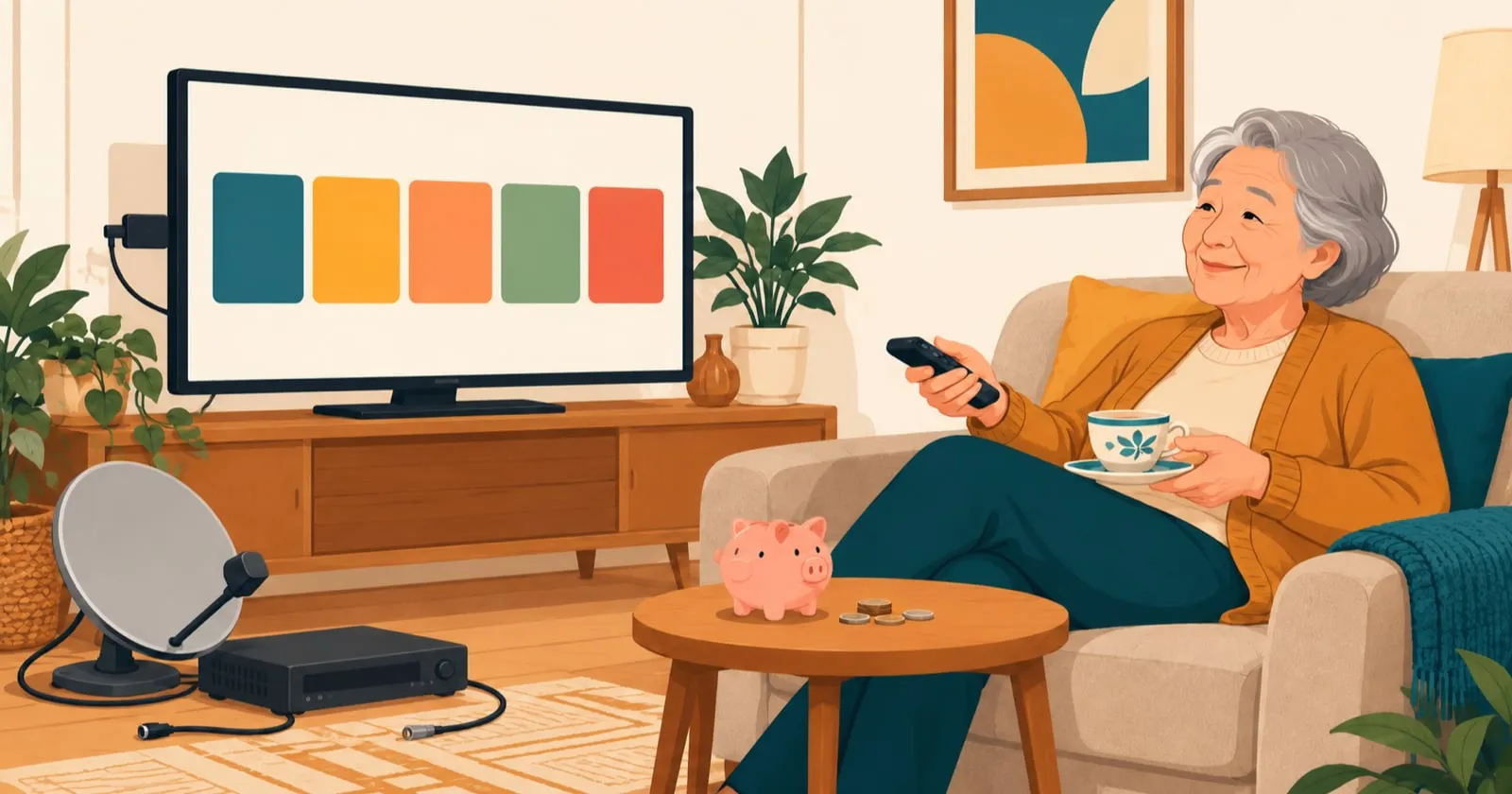
All of this runs on the TV a family already owns. A small computer, a Raspberry Pi 5, plugs into the TV and acts as the brains. The kit we started with cost $189.99 in September 2026 (part 1 shows what's in it). It's meant to show one home screen with a few big choices, used with the TV's own remote, the one they already know, or with a phone. Through the HDMI cable it uses HDMI-CEC, a feature most TVs have that lets connected devices control each other, so it can switch the TV to the right input and steer the other boxes for them. One remote ends up doing the work of several. It only has to work with what our parents actually use: we're not trying to support every cable box, satellite service or streaming app, just the ones in their living rooms.
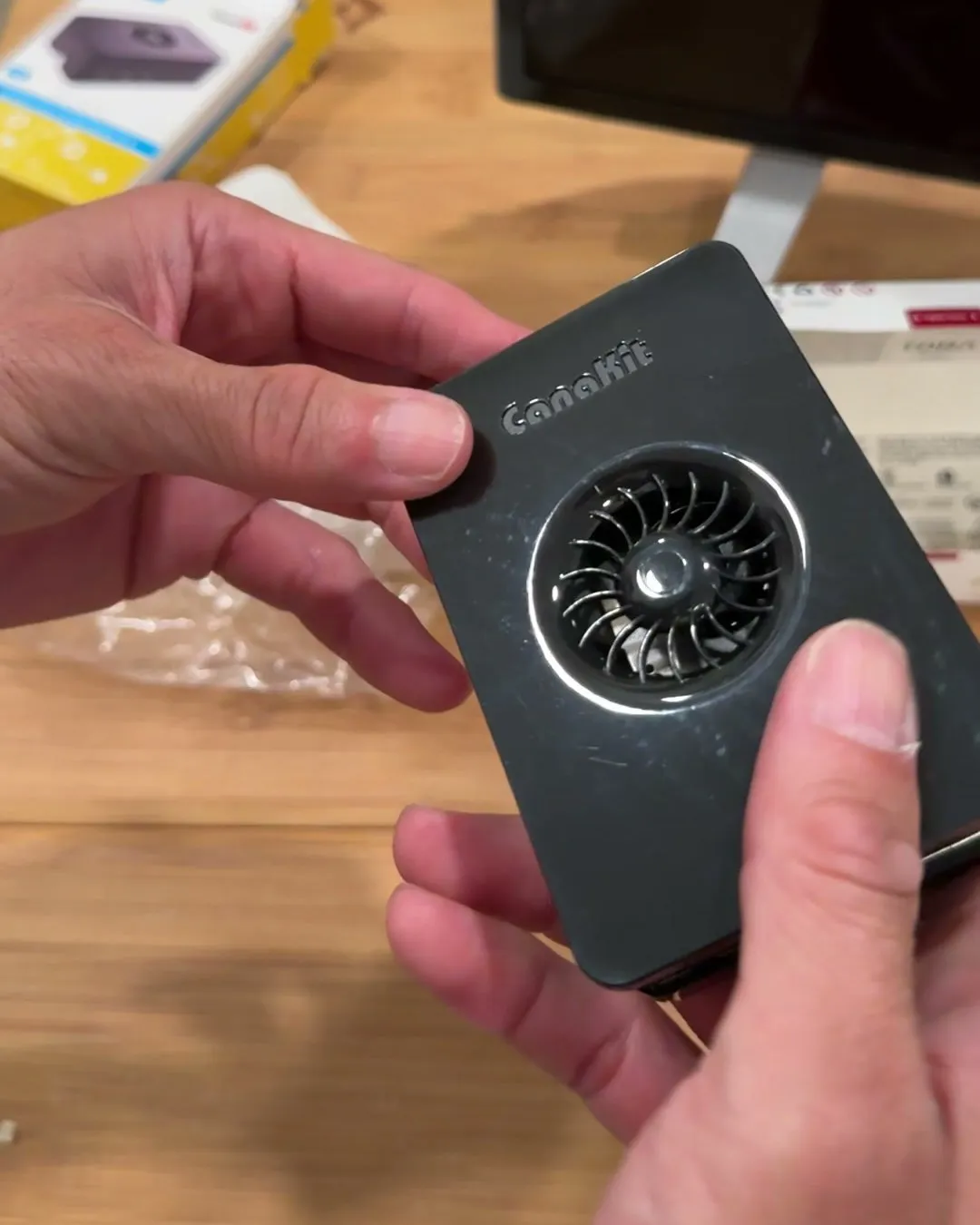
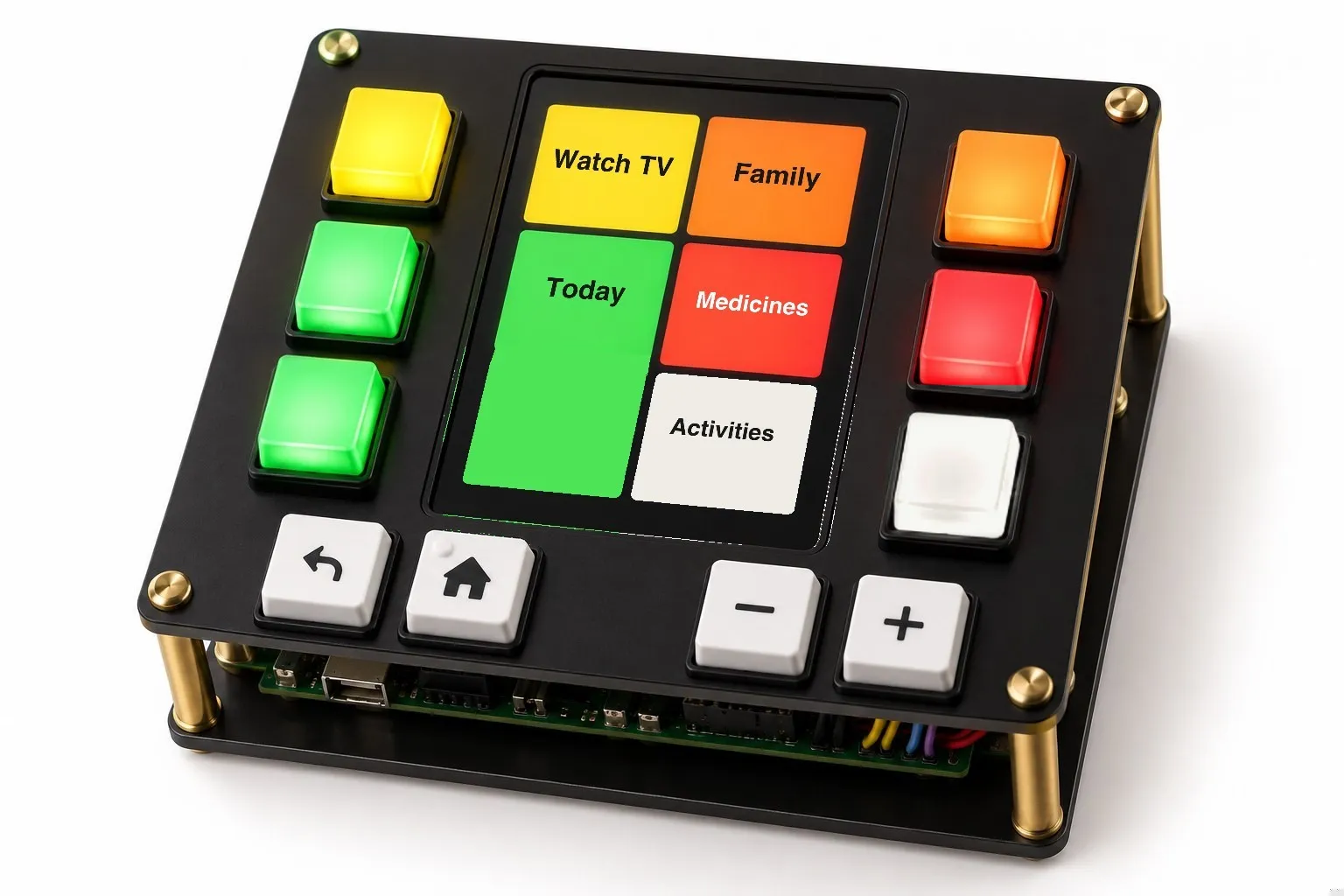
That small computer is the foundation, and we're building it first. Because everything runs through it, other devices can connect to it later. One accessory we want to try is a physical remote with real buttons, like the ones beside an ATM screen. Their labels would change with what's on the TV, and they'd be big enough to press without fumbling. Here's how that remote is being designed. Other accessories can follow as a family needs them.
That matters, because families need different things: for some the screen should be as simple as it can be, for others it's mostly about reaching their kids. So we're each designing it around our own parents.
The computer works, and the screen is in progress
- Working: a Raspberry Pi 5 is plugged into one of our own TVs (a Vizio), and the TV's own remote controls most of it. Back, Menu and Info don't reach it yet (see part 1).
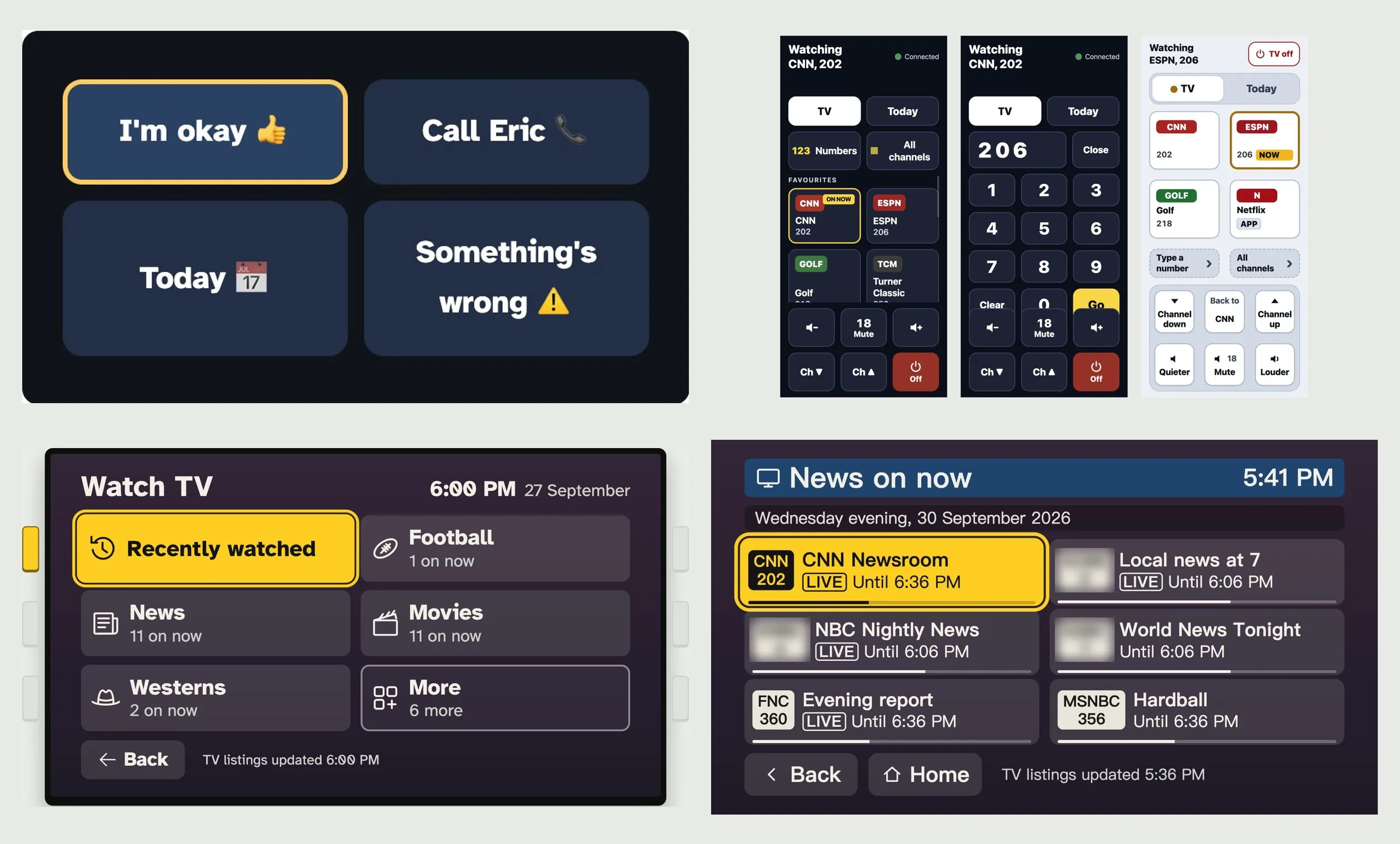
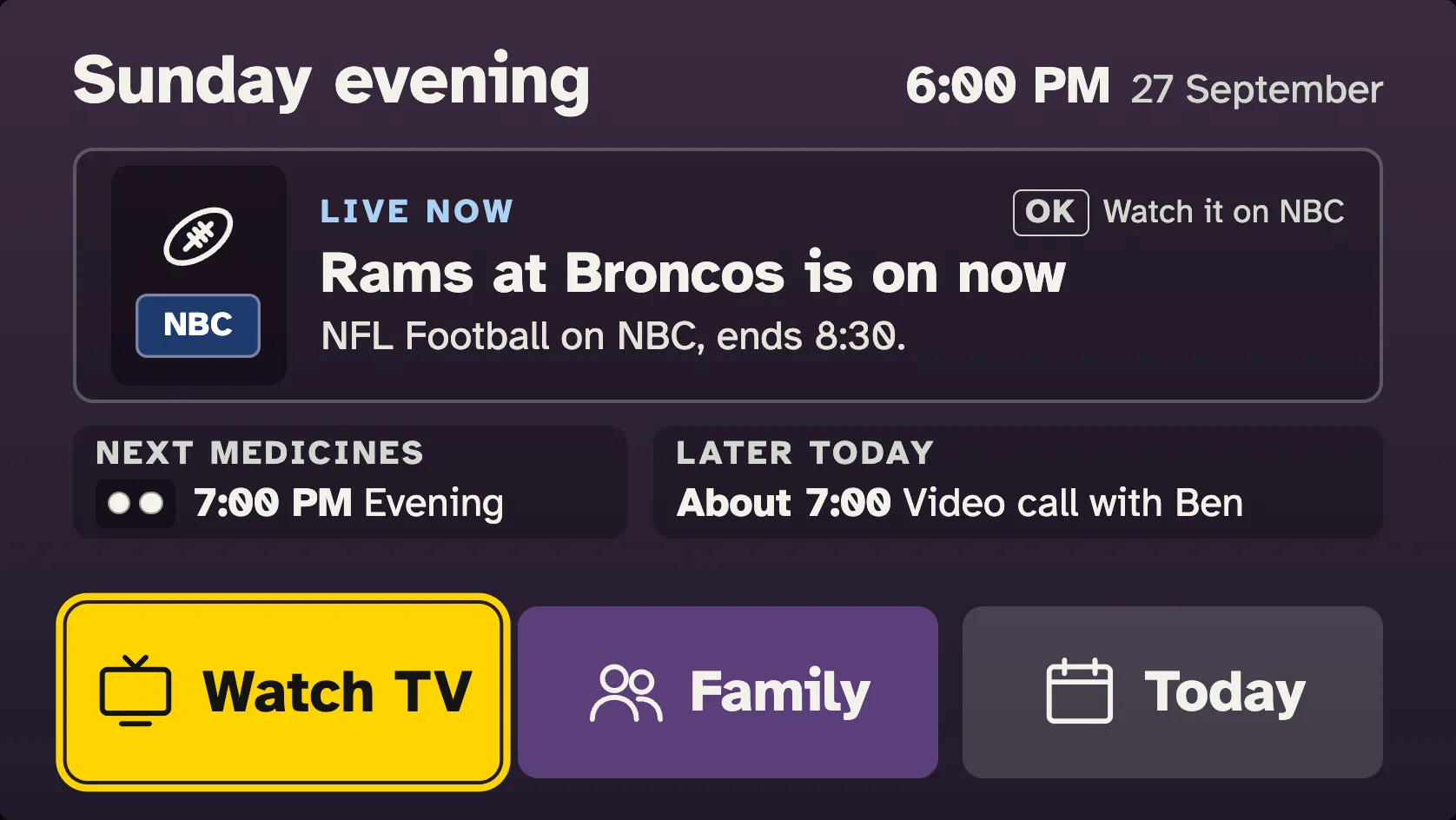
- In progress: the home screen, which we're still designing and testing (the mockup at the top, with made-up example times and shows), and a simple remote that runs on a phone. Here's how both have changed so far. Next is a physical remote with keys beside a small screen.
It's done when nobody has to ask for help
We'll know it works when a parent picks up the remote and gets to the news, the game, a movie or a call with family on their own, without having to ask anyone for help. And when the people caring for them have a little less to keep track of.
If they still have to ask, it isn't done yet.
If you're the family's tech support, this is for you
You're the one your parents call when the TV stops making sense. We're writing down what works for our parents and what doesn't, so you can borrow what fits yours, or just follow along. We're sharing how we built it.
The personal side, our own parents and how each step went, is in our posts, listed at the top of this page and below.
Sources
- U.S. Bureau of Labor Statistics, American Time Use Survey 2025, Table 11A (time spent in leisure and sports activities by age) (published 2026)
- A.C. Nielsen Company, Nielsen Television '82 (published 1982)
- Nielsen, Changing channels: Americans view just 17 channels despite record number to choose from (published 2014)
- Deloitte, 2025 Digital Media Trends (published 2025)
- Nielsen, State of Play (published 2023)
- National Eye Institute, Presbyopia (published 2024)
- CDC National Center for Health Statistics, National Health Interview Survey, Adult Summary Health Statistics (difficulty seeing; arthritis diagnosis), 2025 (published 2026)
- Pew Research Center, Tech Adoption Climbs Among Older Adults (published 2017)
- AARP, 2026 Tech Trends and Adults 50-Plus (published 2026)
- U.S. Energy Information Administration, Residential Energy Consumption Survey 2024, Table HC4.3 (televisions in U.S. homes) (published 2026)
- Consumer Technology Association, TV Voluntary Agreement 2023–24 Annual Report (published 2024)
- AARP and National Alliance for Caregiving, Caregiving in the US 2025 (published 2025)