Stories Design note
Part of BoomerOS for TV
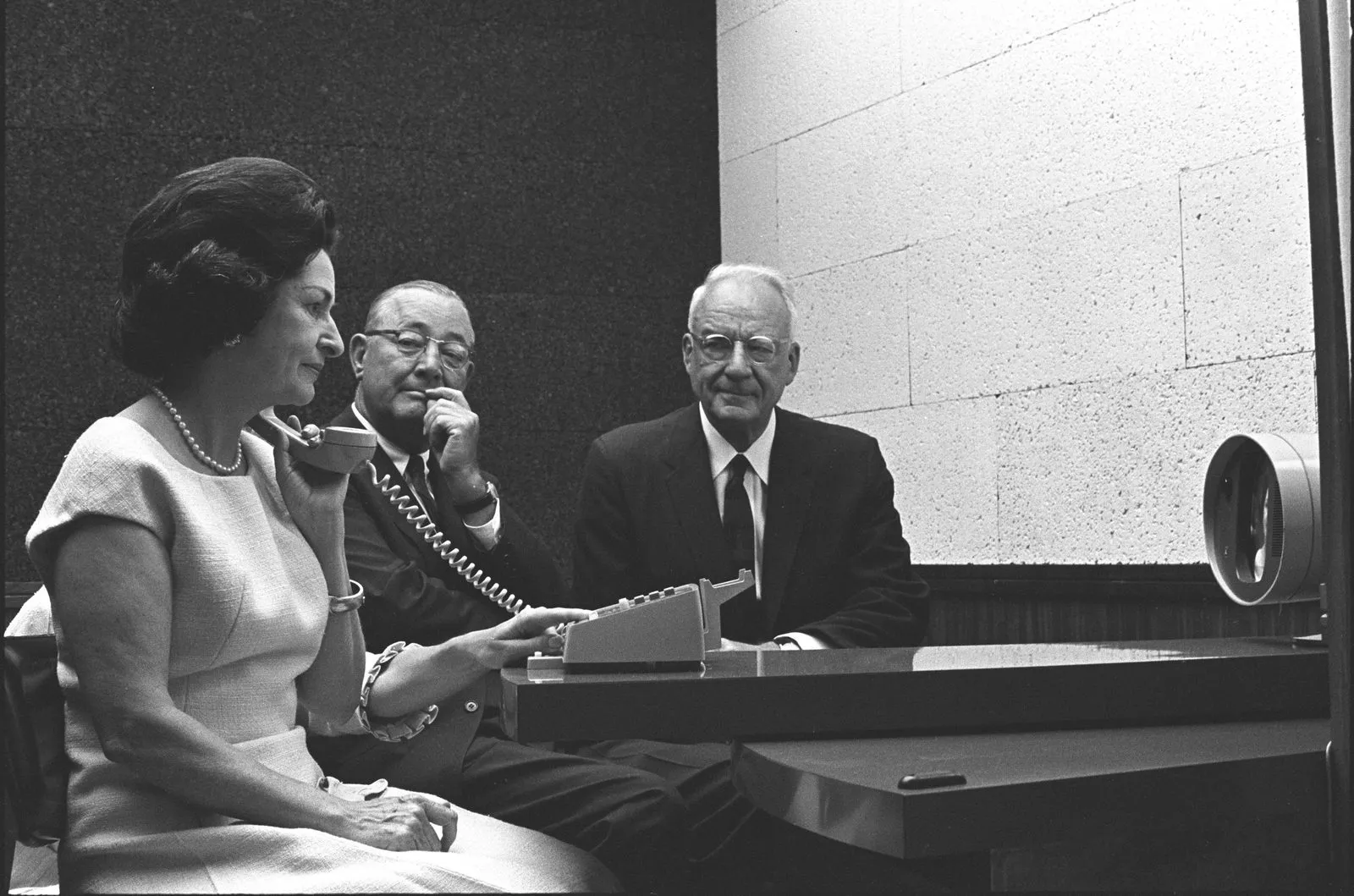
Video calls on the TV for seniors: Jetsons, but real
I turned my mom's TV into a video phone with a Raspberry Pi 5 and a webcam. When I call from my phone, my parents see me on the big screen and talk back.

I installed a way for my parents to see me on the big TV and talk back. It's like I'm in the living room, even when I'm not. Basically the Jetsons video phone, but it actually works. I call, and they just see me. To reach me, they press one button on their TV remote, and I call right back.
Why a big screen changes everything
My dad is getting older. He's not as sharp as he used to be, and it takes him a minute to understand things sometimes. A phone call can feel distant. But video on a big screen, where he can see my face and I can see him, that feels different. It just feels real.
My mom wanted it for a different reason. She'd rather see us than hear us. On a big screen, she sees my face clearly. No squinting at a tiny phone.
A phone call is small. My parents have a hard time hearing it sometimes. A video call on a phone is even smaller: the video, the buttons, the whole thing. The TV is right there. Why shouldn't they see me there?
I built a simple interface: when I call in, the TV pops up with my face. They can see me clearly, hear me on the TV speakers, and talk back to a webcam on the TV. No buttons to learn.
Calling their TV from my phone
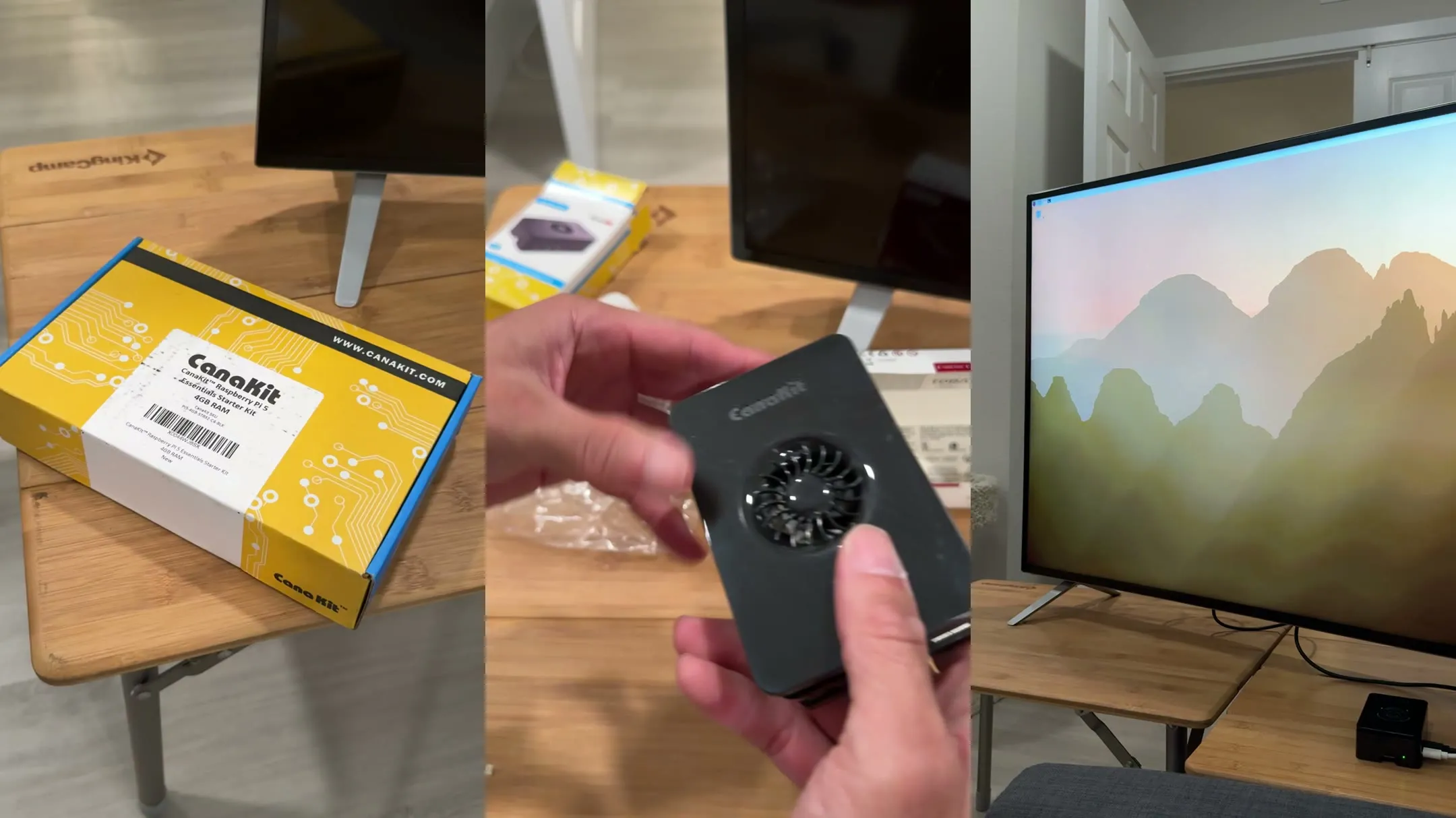
The Raspberry Pi behind their TV runs a web app. It's the same kit Ben, who builds this with me, used for his dad: the CanaKit Raspberry Pi 5 (4GB), $189.99 in September 2026. When I want to call them, I send a signal from my phone or computer. The Pi gets it, and the TV shows me. They can see my video and hear my audio through the TV speakers. Nothing for them to pick up or open.
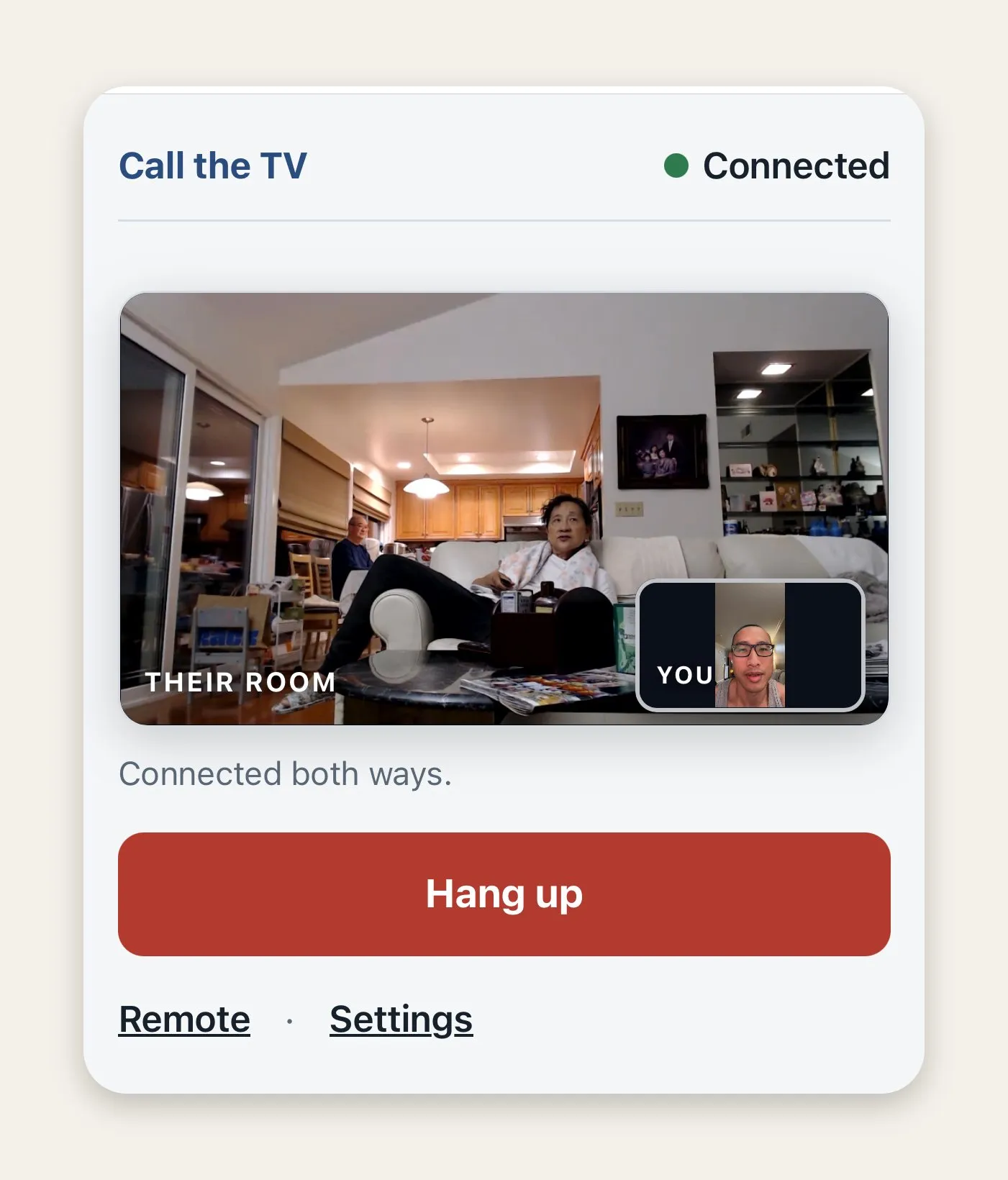
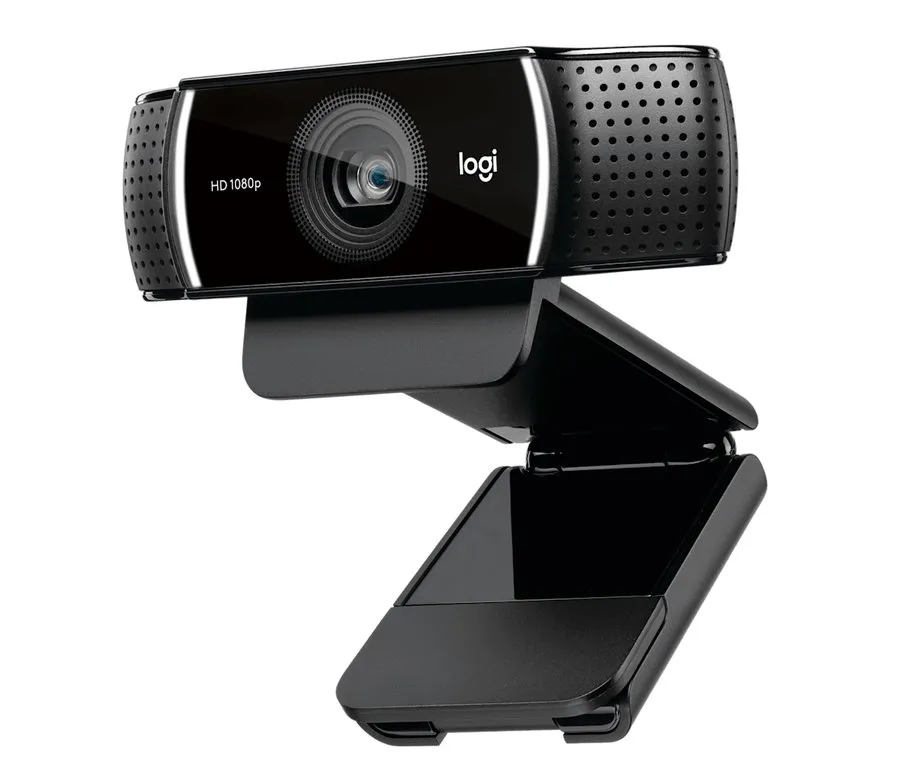
The camera on their end is an old Logitech C922 webcam we had lying around ($119.99 at Logitech in October 2026), plugged into the Pi. It has two microphones built in, so it picks up the room as well as the picture. Any USB webcam with a built-in mic should work.
Three things I had to fix
Video rotation
When I turned my phone sideways, the video didn't rotate on the TV. The picture came out sideways. I fixed it by making the video player adjust automatically based on phone orientation.
Audio wasn't loud enough
Sometimes the call was too quiet on the TV speakers. I turned it up in the code on the Pi side. I still adjust it now and then.
The surprise factor
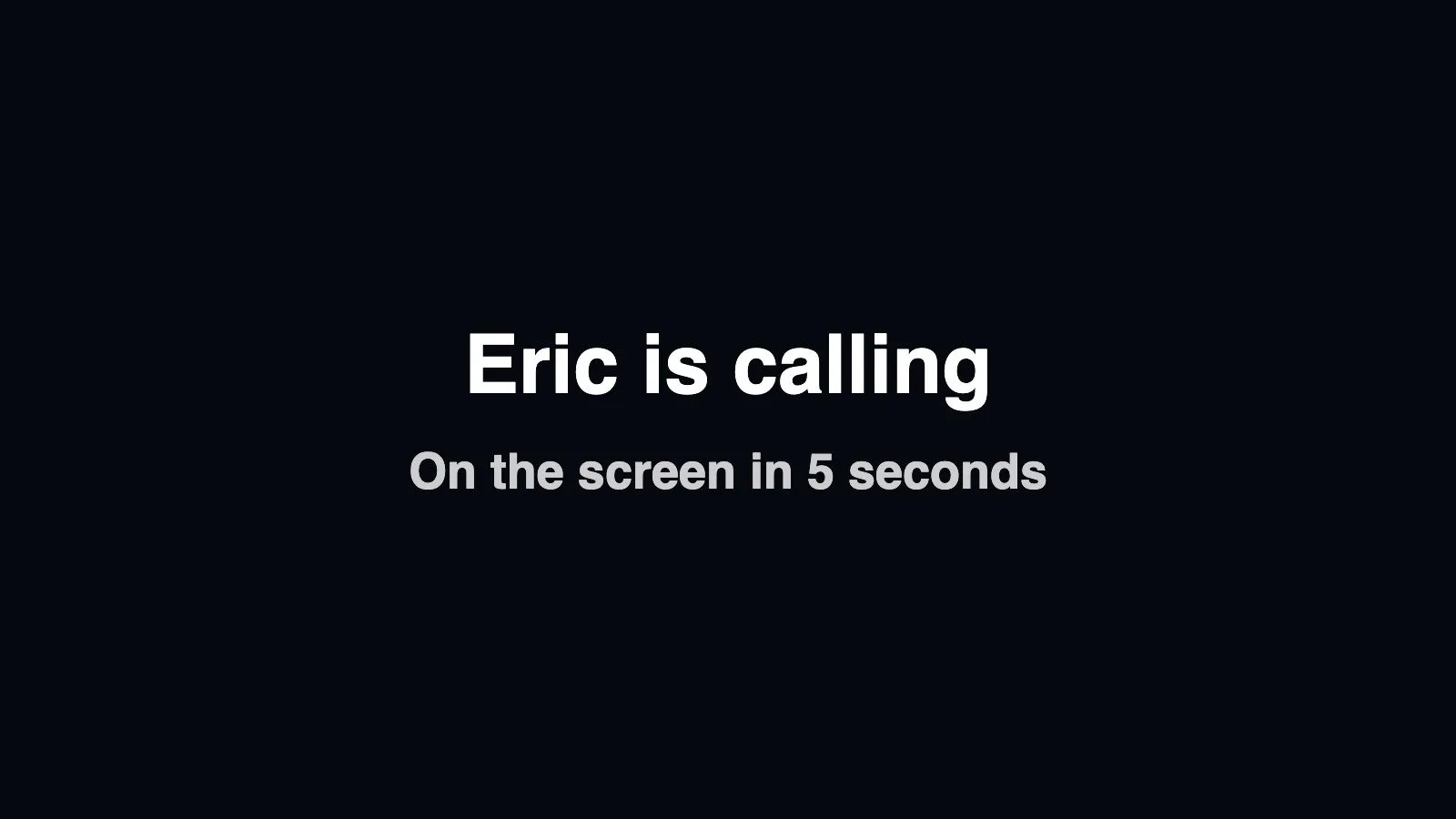
The first real test was at 6 AM. My mom was standing in the kitchen in dim light. I popped up on the bright TV screen without warning. She jumped and yelled. That's when I added a heads-up: a chime, and the TV says "Eric is calling" and counts down five seconds before I appear. Now she's ready.
What works well now
The video quality is good. The call comes through at 720p, which looks sharp on the big TV. I can see them, they can see me. There's no delay I notice. It's pretty seamless, even from my place to their TV.
The audio is clear. The webcam's microphones sit near the TV, so when my dad talks, I hear him. I speak into my phone mic, and they hear me on the TV. It's not as good as being in the room, but it's way better than a phone call.
The parts: a Raspberry Pi 5, a webcam and a web page
A few terms first. HDMI is the cable from the Pi to the TV. HDMI-CEC is a TV feature that lets connected devices control each other, which is how the Pi hears their ordinary TV remote. WebRTC is the tech browsers use for video calls, the same kind Google Meet runs on.
| Component | Technology | Details |
|---|---|---|
| Hardware | Raspberry Pi 5 (4GB) and a Logitech C922 webcam | Runs Chromium full screen (kiosk mode). HDMI to the TV, so the call's sound plays on the TV speakers. The webcam's camera and mics pick up the room. |
| Video calling | WebRTC peer-to-peer | Browser handles video and audio. 720p video, with no delay you notice. |
| Frontend | HTML/CSS/JavaScript | Full-screen web app. Shows a 5-second "Eric is calling" screen with a chime before the video. Turns the picture when my phone turns. |
| Calling in | My phone, over the internet | My phone sends commands through our server to the TV. Works from anywhere, not just their Wi-Fi. |
| TV remote | HDMI-CEC | Their ordinary remote presses Call Eric, and the Pi hears it over HDMI. |
Questions people ask about video calls on the TV
Do they have to answer?
No. The TV answers on its own after the countdown. I can call and just pop in. They don't have to pick up, press anything or run to a phone. That's a personal choice, and my parents like it: nothing technical to do.
Can they call me?
Yes. Her home screen has a Call Eric button. She presses it with the TV remote, I get a text, and I call right back.
What if the TV is off?
The call still comes through. The heads-up takes over the screen, then I appear.
Is the camera always on?
No. The TV only turns the camera on when the countdown ends and the call starts.
Does it work from outside their home?
Yes. My phone reaches their TV over the internet, so I can call from anywhere.
Group calls and more, next
Group calls are next. Imagine my own sister popping on the screen too, so they can see multiple family members at once. I want to add YouTube links for fitness and yoga so my mom can browse from the remote. Ben already has YouTube on his dad's TV, so I plan to borrow his parts and add them to hers. I'm thinking about a family directory on the TV where they just pick a name to call.
I also want to upgrade the audio. The webcam's mics work, but a better one mounted on the TV itself would be clearer.
But honestly, for now it does what we need. They can see family on the big screen, hear us clearly, and reach me from the TV remote. The rest we'll add when we get to it.
Why video calls on the TV work for older parents
My parents didn't have to learn anything new. I pop up, and we talk. I see my dad's face clearly, not squinting at a phone.
If you live far from your parents, or phone calls have stopped working for them, this is worth building. A Raspberry Pi and a webcam on the TV they already have is enough.
Built with a Raspberry Pi and a web app, part of BoomerOS for TV.