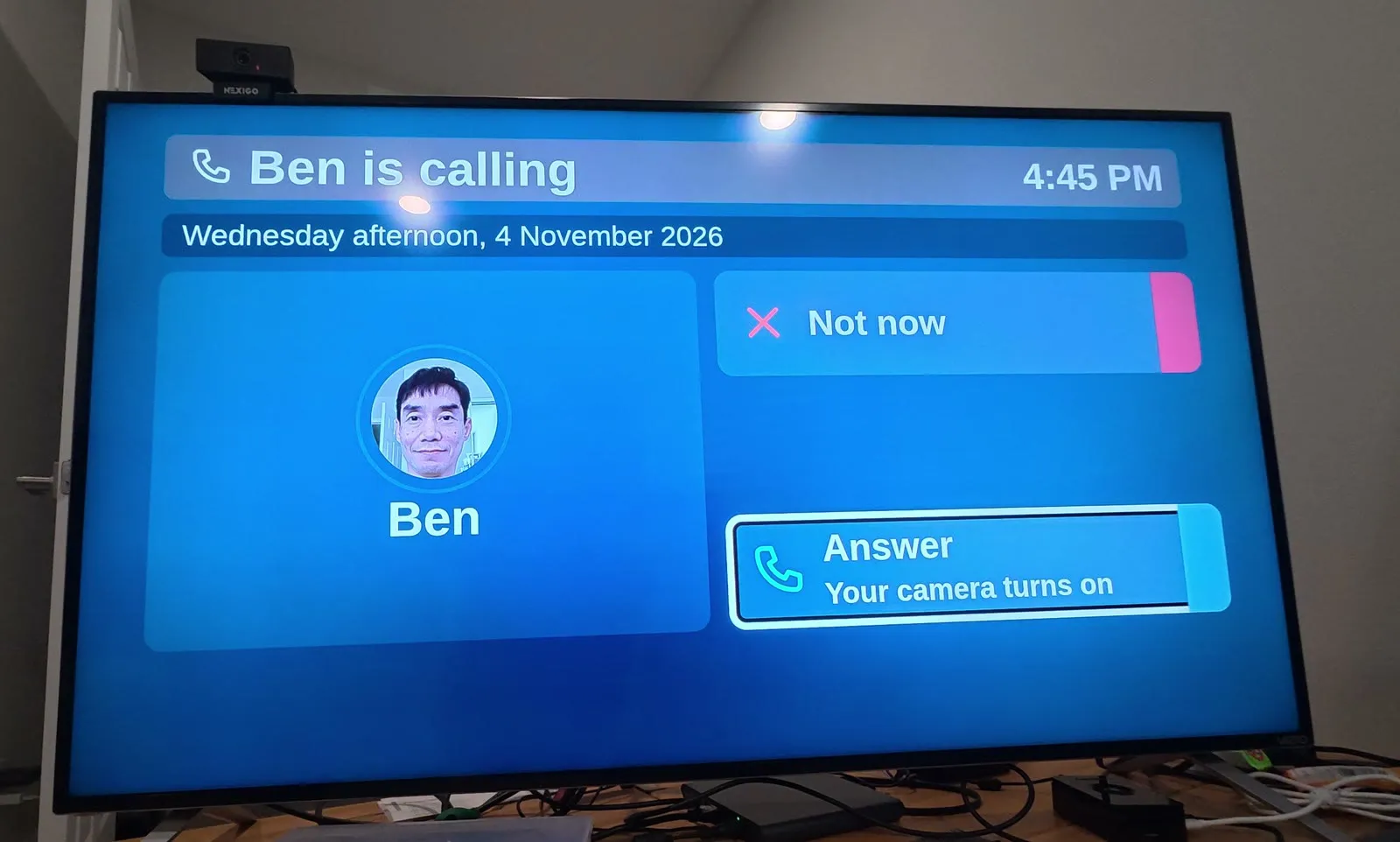
I'm turning my dad's TV into a video phone
FaceTime is hard for my dad, who has mild Parkinson's. So I'm building video calls into his TV, testing on mine first. He taps my name, and I'm on screen.
How we’re building a simpler TV for our parents: the setup, every redesign, and the research behind each choice. New stories go up when something changes at home.
FaceTime is hard for my dad, who has mild Parkinson's. So I'm building video calls into his TV, testing on mine first. He taps my name, and I'm on screen.
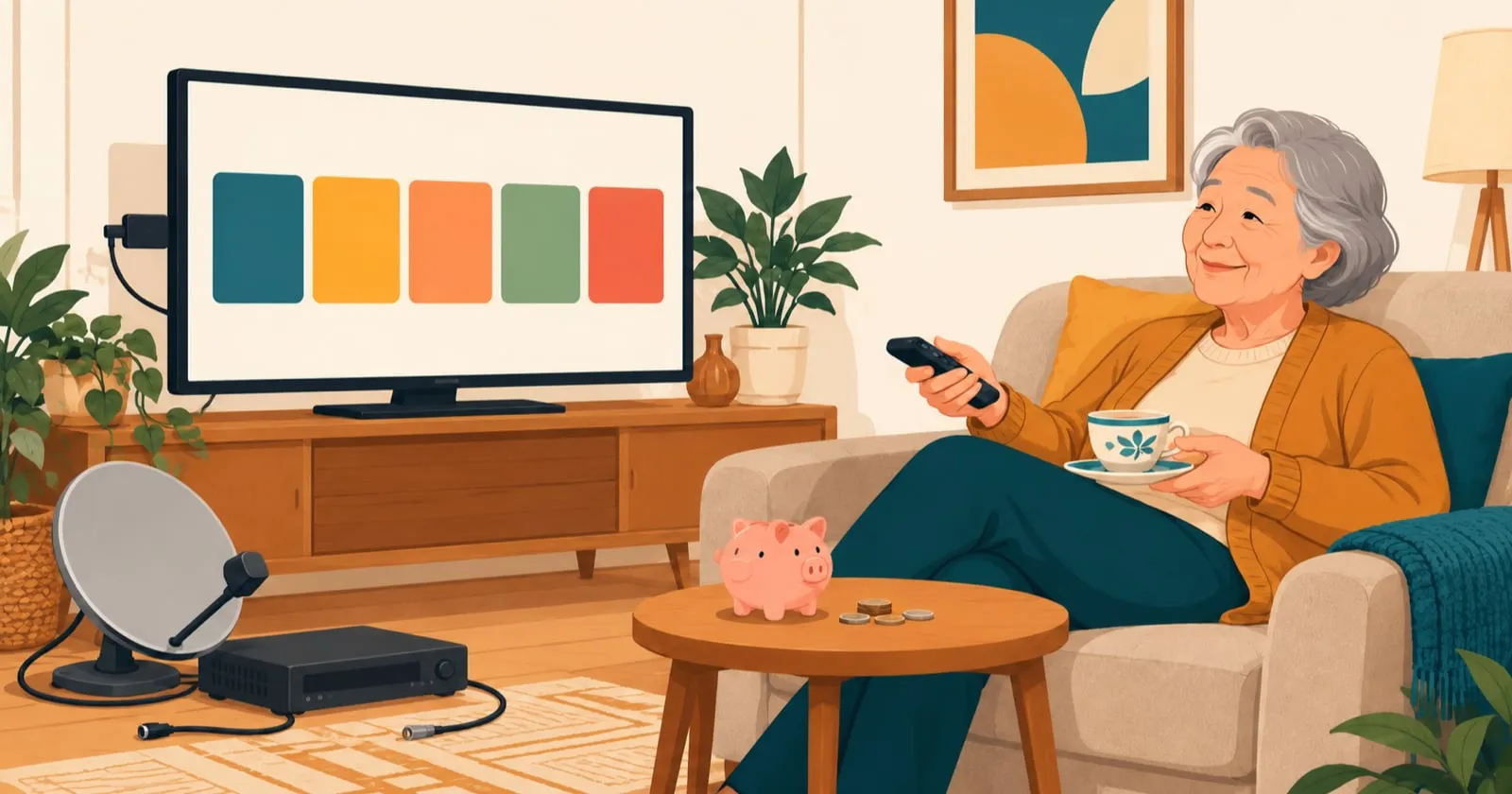
She only watches five channels. Dish Network was charging her about $100 a month. TVB Anywhere Plus costs $30 a month, or $250 a year on the yearly plan (October 2026).

I turned my mom's TV into a video phone with a Raspberry Pi 5 and a webcam. When I call from my phone, my parents see me on the big screen and talk back.
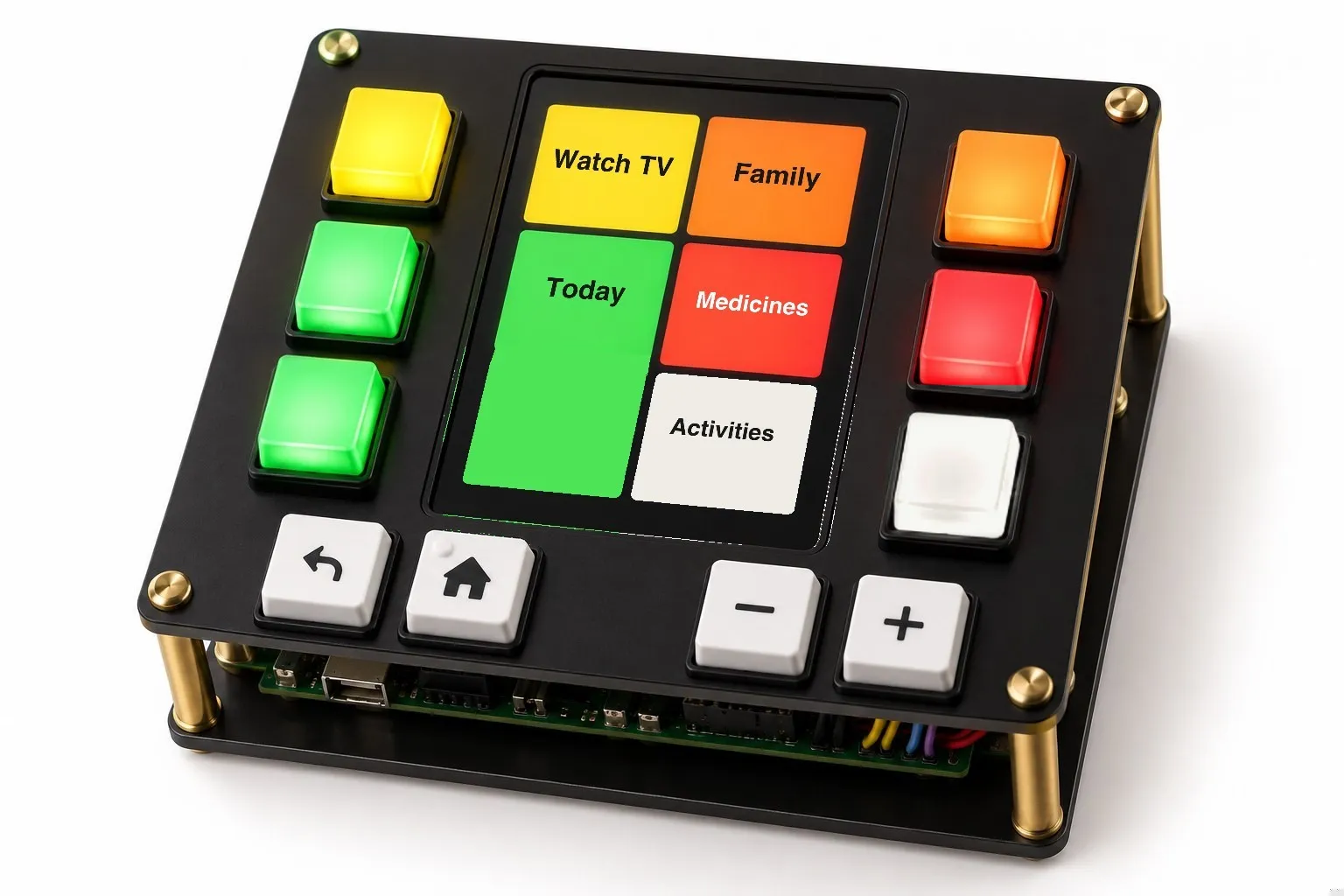
Remotes for seniors are the old remote with bigger buttons. How I'm designing a better one for my dad: lit keys beside a small screen, like an ATM.
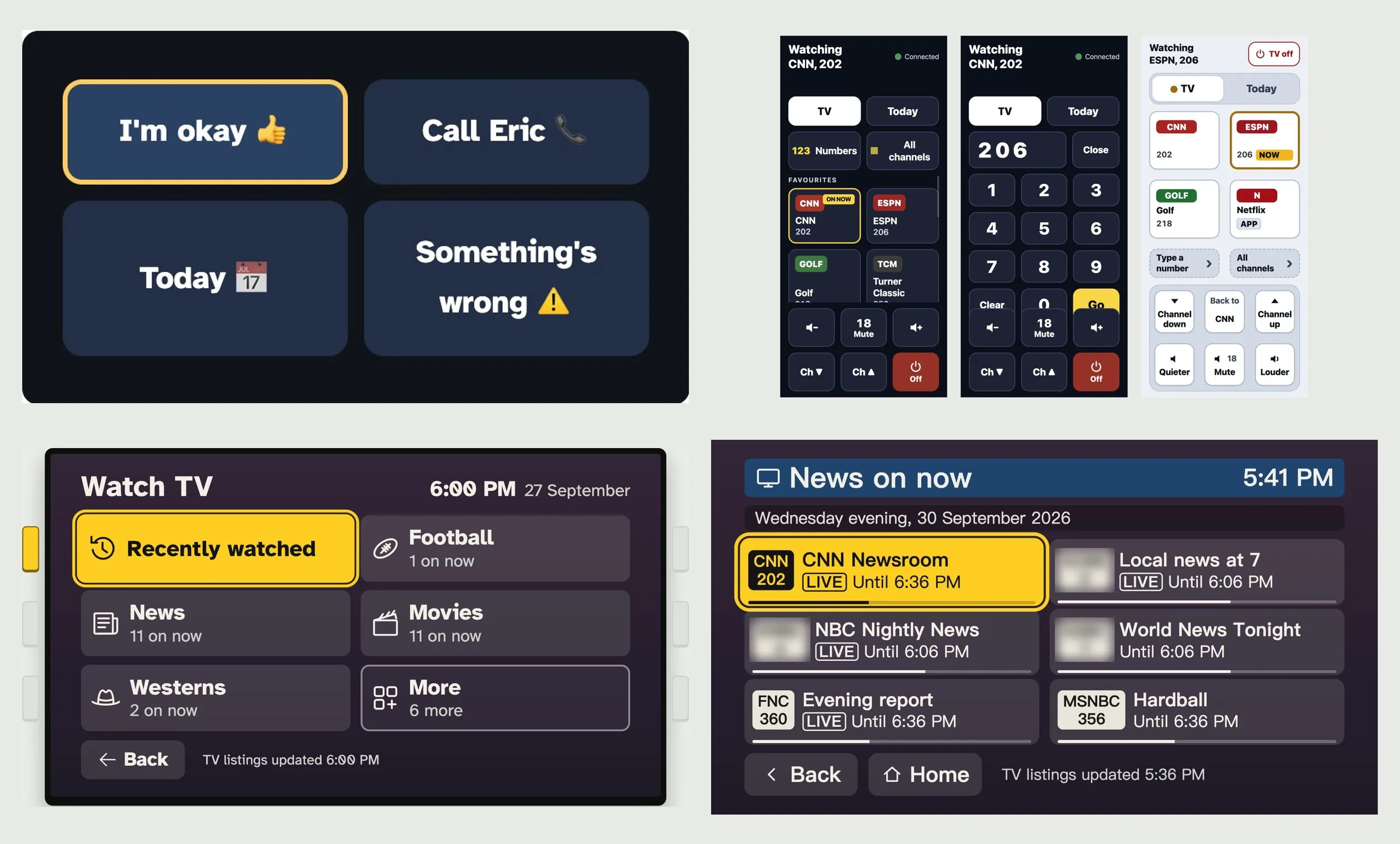
How we're redesigning a simple TV screen and remote for my dad: each version so far, what it fixed, and why it will keep changing as he uses it.
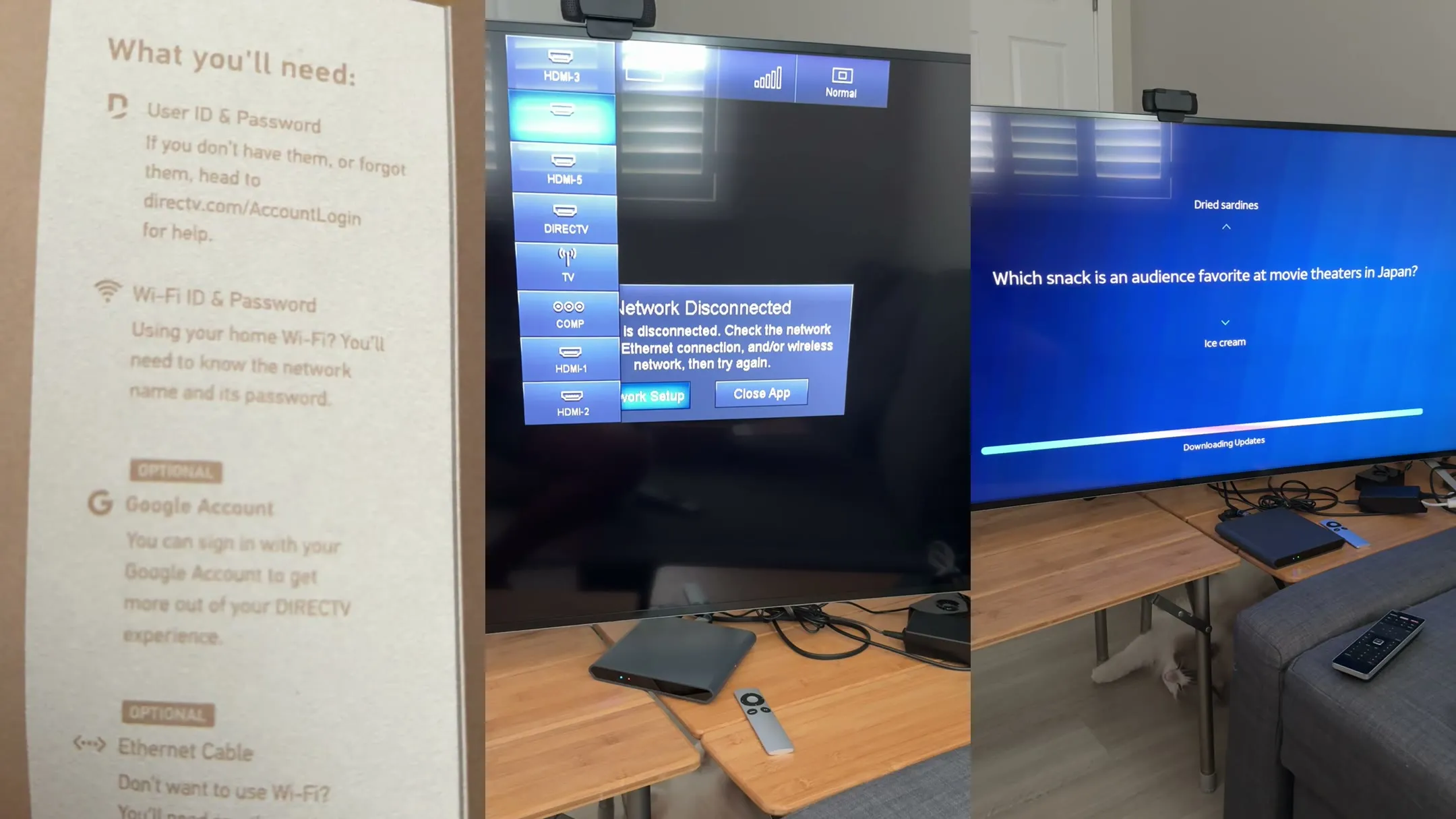
Setting up DirecTV streaming for my parents meant a sign-in nobody could find, an answer hidden on a web page, and a password typed one letter at a time.
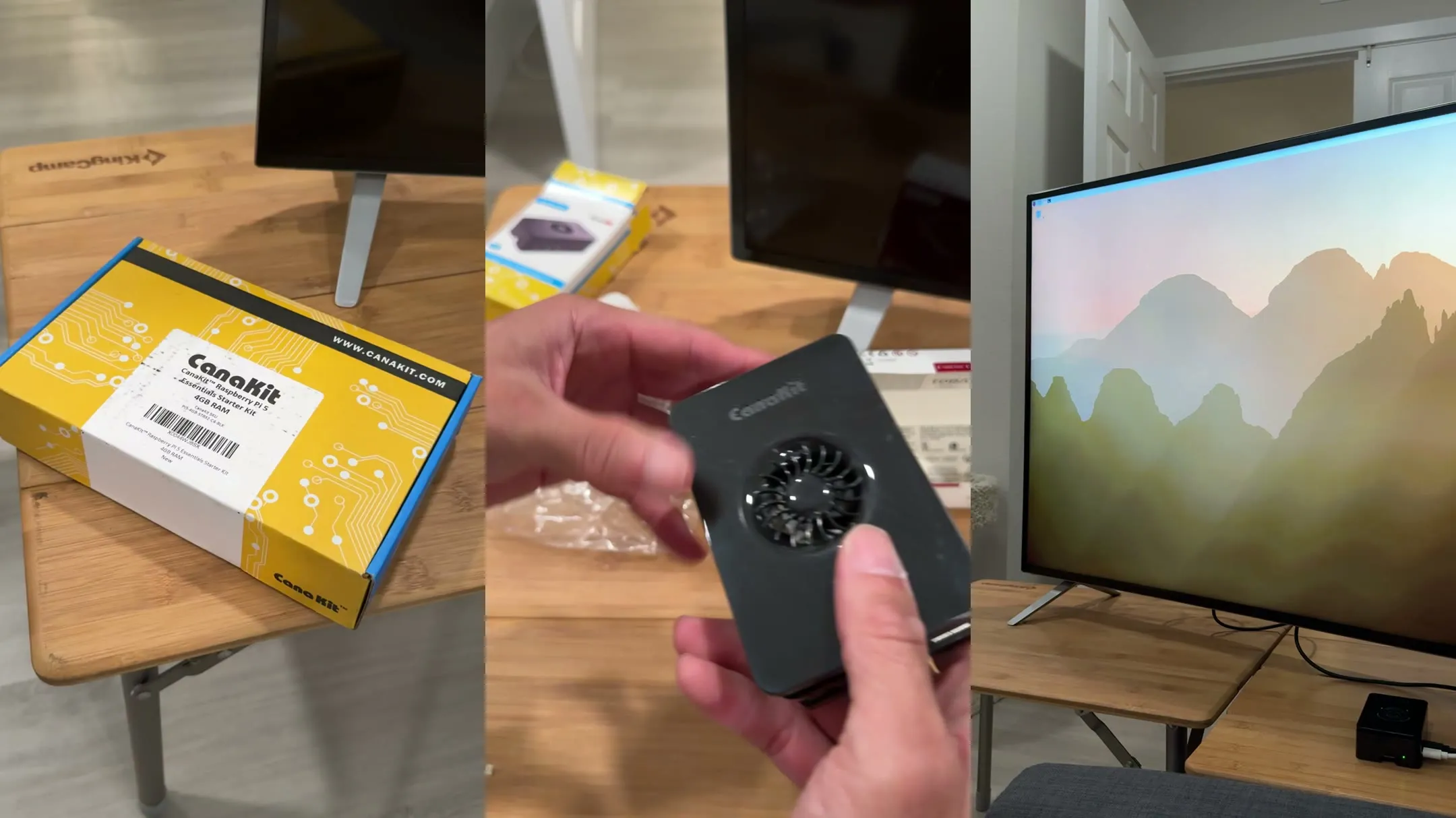
Part 1 of building Dad a simpler TV: setting up the CanaKit Raspberry Pi 5 kit, turning on HDMI-CEC, and the five places a tech-handy son got stuck.